
Discord instances use too much Mac storage: what can you clean safely?
Based on the current product workflow, the linked official documentation, and repeatable checks. Account and compatibility results must be verified on your installed versions.
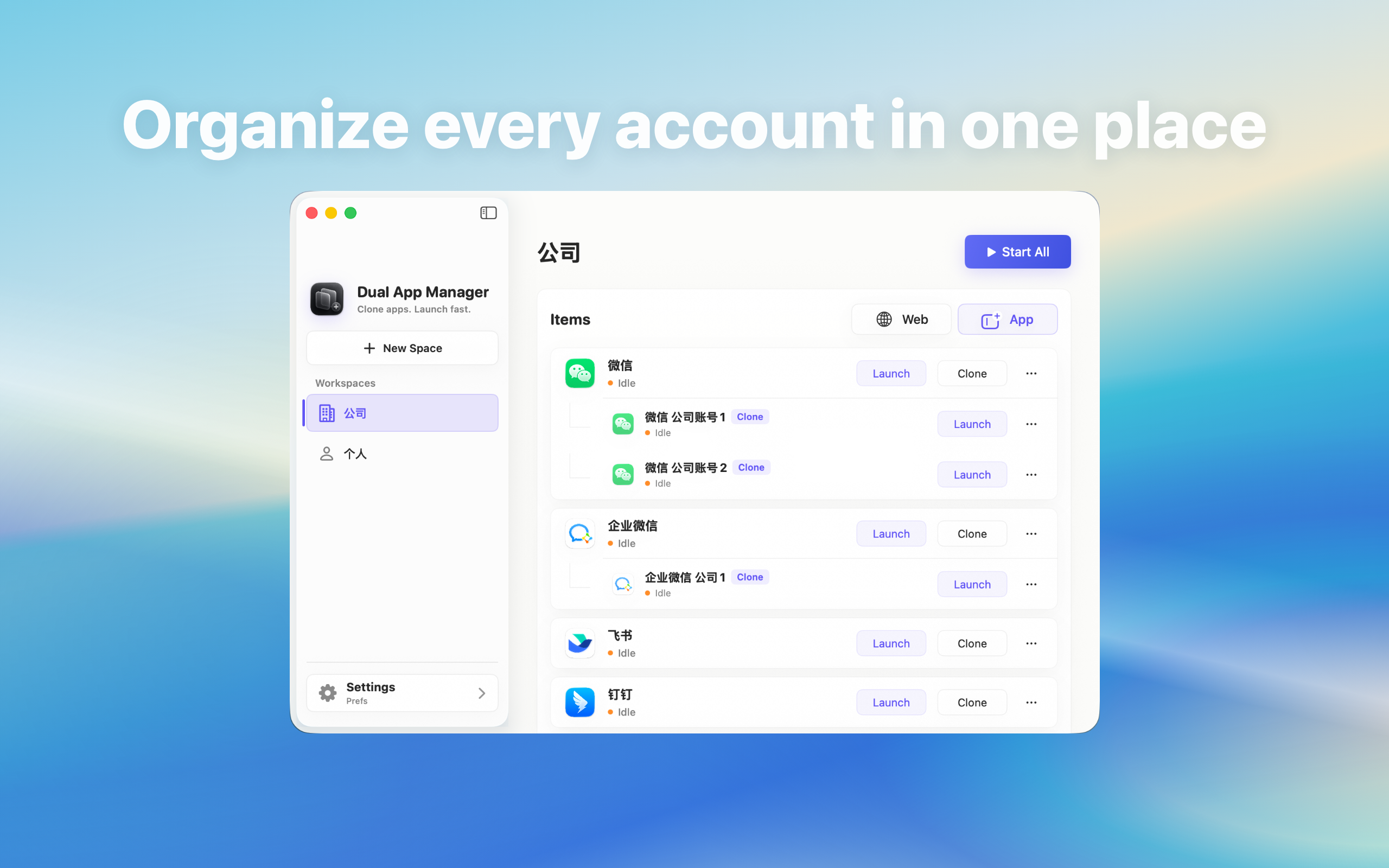
Measure storage used by Discord accounts and clean downloads or provider-managed cache without deleting an account or the only working instance.
Measure before deleting
Open System Settings → General → Storage and check the relevant applications, documents, and downloads. Inside Discord, review any storage-management screen and note large conversations or media. Compare the official app and each instance after synchronisation settles. Do not infer storage from the number of icons or delete folders whose purpose is unknown.
Separate four kinds of data
- Provider cloud data: messages and files controlled by Discord.
- Local session data: information needed to keep the account signed in.
- Cache: data Discord may be able to download again.
- User downloads: copies in Finder that may belong to a project or retention policy.
Use the provider's cleanup controls first
Prefer Discord's official Manage Storage, cache, automatic-download, or retention settings. Review what the control says it removes and whether deletion affects all linked devices. Start with a non-critical account and confirm that required history, files, and login state remain. Emptying a cache is not the same as deleting a conversation or account.
Audit Finder downloads by role
Trace sample files with Show in Finder and identify which folders are shared by several instances. Move required business files into approved storage before cleanup, remove confirmed duplicates, and empty Trash only after review. Do not use a broad cleaner against application containers merely because their names resemble Discord.
Prevent storage from growing back immediately
Disable unnecessary automatic media downloads, close or retire unused accounts, and keep high-volume communities on demand. Schedule a monthly storage review for persistent multi-account Macs. More disk use may be expected when several accounts maintain separate caches, so set a practical free-space threshold instead of promising zero duplication.
Stop and recover safely
Stop if cleanup signs out the only recoverable account, removes required local records, or the target path is unclear. Verify account recovery and organisation retention requirements before removing an instance. Dual App Master can remove a local entry, but that does not prove provider data, linked sessions, and Finder downloads were handled as intended.