
WhatsApp notification opens the wrong account or window on Mac
Based on the current product workflow, the linked official documentation, and repeatable checks. Account and compatibility results must be verified on your installed versions.
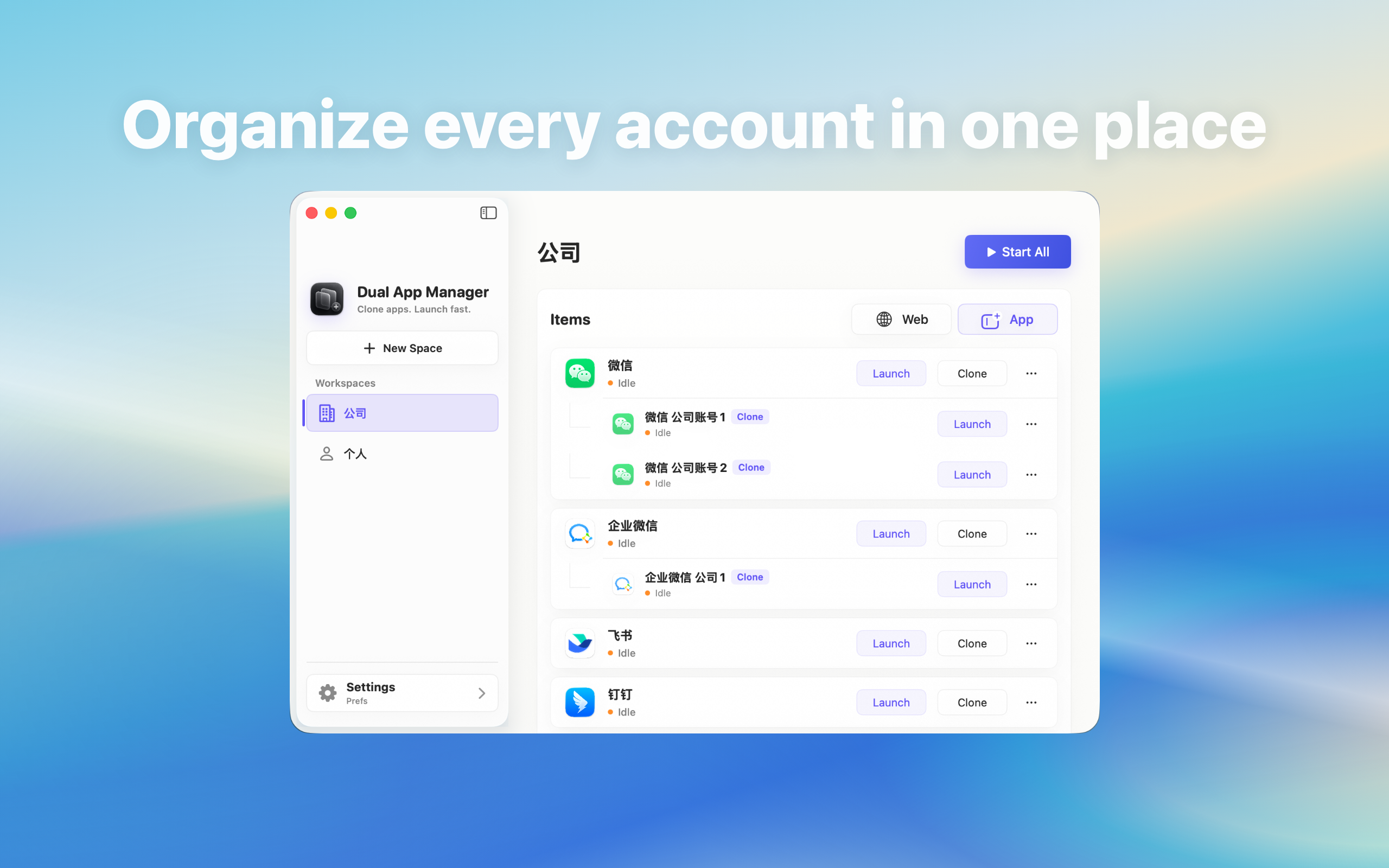
Test and contain a WhatsApp multi-account setup where clicking a Mac notification opens the wrong account or instance.
Treat this as an identity risk, not a cosmetic bug
A banner can show the correct sender and still activate another WhatsApp window when clicked. For personal use this is confusing; for support, finance, or client work it can cause a reply from the wrong identity. Stop using notification clicks for sensitive replies until the target mapping is verified.
Build a two-account routing test
- Quit both entries and open Account A first, then Account B.
- Send A a uniquely worded test message and click its banner.
- Repeat for B.
- Quit both, reverse the launch order, and repeat.
- Record the account shown after every click.
This reveals whether routing follows the sender, the most recent window, or launch order.
Check whether macOS identifies two notification sources
Open System Settings → Notifications. If two distinct app entries appear, compare their permissions and names. If only one source is visible, macOS may not offer a user-facing way to choose which running account receives the click. Renaming a launcher entry does not necessarily change the provider's notification or URL routing.
Use a safe temporary workflow
Read the instance or account name before replying. Open the required entry from Dual App Master or the Dock instead of clicking the banner, and confirm the profile before sending. Put the critical role in the official WhatsApp app and mute nonessential banners from secondary accounts until routing is dependable.
When another method is better
Use WhatsApp's built-in account switcher if it labels the receiving account clearly, or separate browser profiles if the required feature works there. A separate macOS user may provide stronger system separation when policy permits it. Do not claim the issue is solved merely because both windows can receive messages.
The acceptance test
The setup passes only when each test banner opens the intended account regardless of launch order and after restart. If routing remains inconsistent, document the limitation and do not rely on click-through notifications for that pair of accounts. Dual App Master cannot rewrite WhatsApp's server notification payload or macOS routing decision.