
WhatsApp second account saves downloads to the wrong Mac folder
Based on the current product workflow, the linked official documentation, and repeatable checks. Account and compatibility results must be verified on your installed versions.
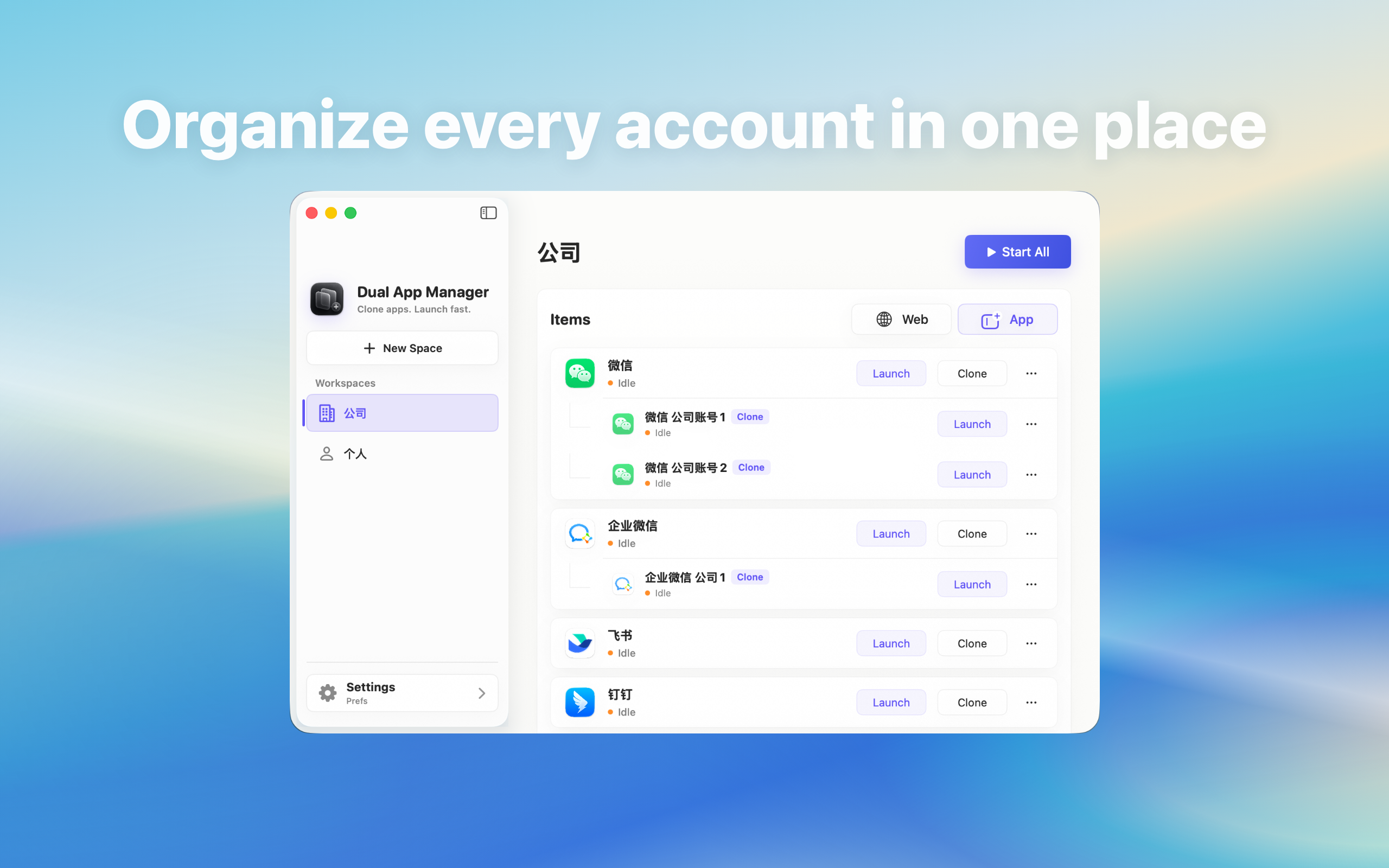
Trace and control where a second WhatsApp account saves files on Mac without mixing client or personal downloads.
Treat download location as an account boundary
Two WhatsApp windows can still share the same Downloads folder. A correct chat window does not guarantee a separate file destination. Before handling real documents, decide which Finder folder belongs to each authorised role and whether WhatsApp offers an account-specific save location.
Run a traceable two-file test
- Create two harmless files with unique account labels.
- Send one to each account.
- Download them one at a time.
- Use Show in Finder rather than relying on Recents.
- Record the full folder path and whether launch order changes it.
Check app and macOS controls separately
Review WhatsApp's download preference, any Ask where to save option, and macOS folder permissions. If the app exposes one global path for all instances, document that limitation. Renaming the instance does not automatically create a new sandbox or download directory.
Use a safe project workflow
For confidential or client files, move each download immediately into the approved project folder and verify the account before uploading a response. Avoid automatic rules that route files only by extension because identical PDFs may belong to different organisations. A role name in the filename can help when policy permits it.
Test upload direction too
Open the file picker from each account and check the recent folder and selected document before sending. A shared recent-items list can expose another project's filenames even when message histories are separate. Close unrelated Finder windows during sensitive screen sharing.
Acceptance criteria
The workflow passes when users can locate every test file, explain which folders are shared, and prevent a file from one account being sent through another. If WhatsApp cannot provide dependable separation, use manual approved folders, browser profiles, or a separate macOS user for stronger file boundaries.