
How to tell two WhatsApp accounts apart in the Mac Dock
Based on the current product workflow, the linked official documentation, and repeatable checks. Account and compatibility results must be verified on your installed versions.
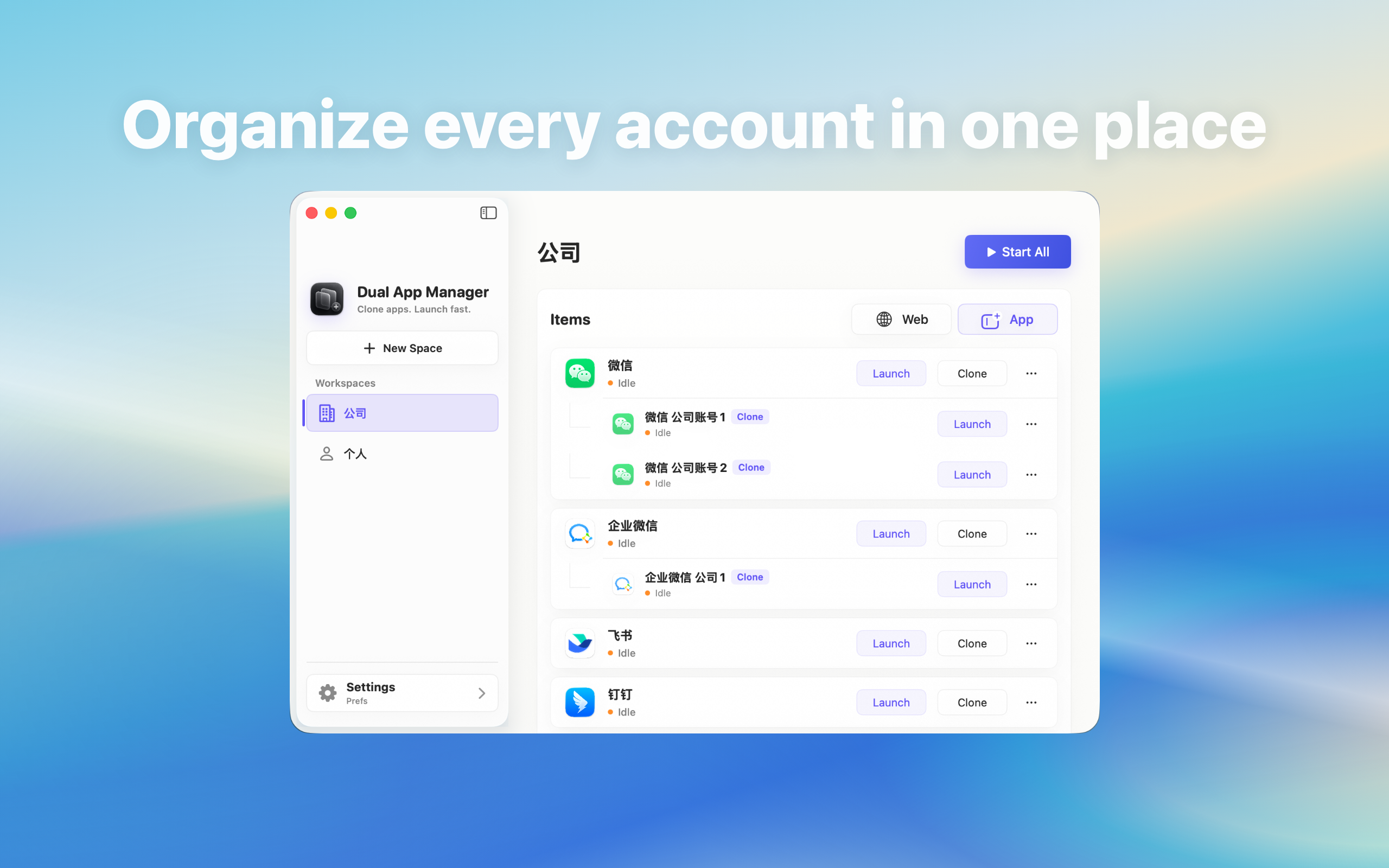
Make two WhatsApp launch entries and windows easier to identify on Mac, then verify the account instead of relying on icon position alone.
Dock position is not an identity
Two WhatsApp entries can show similar icons, and macOS may reorder recent applications after restart, display changes, or Dock resets. Left and right positions are convenient memory cues but not reliable account labels. Before sending anything, the visible WhatsApp profile remains the authoritative identity.
Use role-based names
- Choose names such as “WhatsApp — Personal” and “WhatsApp — Support”.
- Avoid Copy 1, Copy 2, or confidential customer names.
- Pin only the entries used every day.
- Group lower-frequency roles in Dual App Master.
- Open each entry and verify that its label still matches the signed-in account.
Add a second visual signal where supported
If the product supports colours, workspace groups, icons, or launch shortcuts, assign a stable signal to each role. Use a non-sensitive project code for shared screens. Treat the signal as navigation, not proof: an instance can be renamed while WhatsApp remains signed in to a different account.
Create a pre-send identity check
For ordinary messages, glance at the entry name and profile. For sensitive work, check three things: instance label, WhatsApp profile or organisation, and destination conversation. This takes seconds and catches the failure that icon customisation cannot—the wrong account remaining inside a correctly named launcher.
Test after restart and window restoration
Quit both entries, restart the Mac, and launch them in the opposite order. Confirm Dock labels, window titles, profiles, notification clicks, and deep links. Also test with any external monitor arrangement used at work. A layout that is clear only before restart is not ready for daily use.
When stronger separation is needed
If macOS or WhatsApp displays indistinguishable entries, put the critical account in the official app and open the second through a named workspace. For regulated or cross-company data, use an approved separate macOS user or managed device. Cosmetic icon differences do not create a security boundary.