
WhatsApp has account switching on Mac: do you still need another instance?
Based on the current product workflow, the linked official documentation, and repeatable checks. Account and compatibility results must be verified on your installed versions.
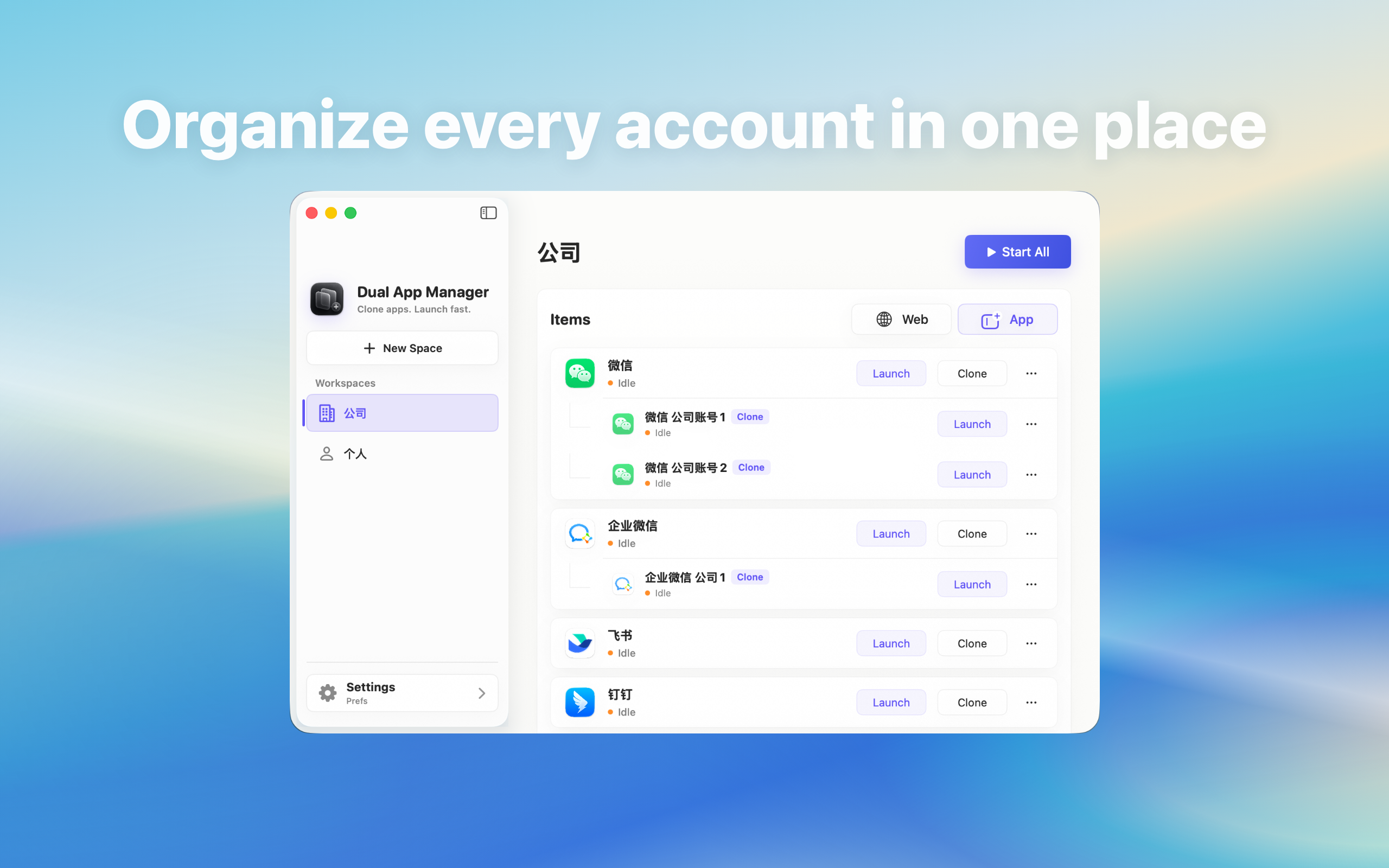
Check whether WhatsApp's built-in account switching already solves your Mac workflow before creating another local instance.
Short answer
Use WhatsApp's built-in account switching first when it keeps both identities available and you do not need two windows visible together. Create another local instance only when the current Mac client cannot keep the required roles open at the same time, notification routing is understandable in a test, and the account arrangement is permitted. Do not infer Mac support from mobile features; inspect the current Mac client for an actual Add account or Switch account control.
The two workflows solve different problems
An account switcher keeps several identities inside one official app. It usually reduces update and permission work, but a background account may not remain visible or alert in the way you expect. A separate instance gives a role its own launch entry and window, but adds another process, another notification path, and another compatibility point. If your only complaint is typing a password again, first confirm that the official client cannot remember and switch accounts.
Run this five-minute test before creating anything
- Open the current WhatsApp Mac app and look for Add account, Switch account, Profile, Workspace, Organisation, or Tenant.
- Add a non-critical second identity through the official flow if the option exists.
- Send a test message to both identities while one is not frontmost.
- Check whether both receive the alerts you actually need.
- Try a file or meeting link and confirm which identity opens it.
Choose built-in switching when these results pass
Stay with the official client when both accounts remain signed in, switching takes only a few seconds, required notifications arrive, and links ask for or select the correct identity. This is especially sensible for an occasional personal account or a team that can tolerate opening one workspace at a time. Adding another instance would not solve a measured problem in that case.
Choose a separate instance only for simultaneous work
A second instance is worth testing when two roles must stay visible during the same shift, each needs a stable launch entry, or built-in switching hides an urgent queue. In Dual App Master, create one instance with a role name, sign in inside WhatsApp, and test it before moving an important account. Do not assume that a second icon guarantees separate notifications, deep-link routing, files, or call permissions.
A decision you can verify
The setup is successful only if you can identify the active account without opening profile settings, a notification reaches the expected role, clicking it opens the correct window, and a relaunch preserves an understandable mapping. If either approach fails those checks, use the simpler working method. The answer may change after a WhatsApp or macOS update, so repeat this comparison instead of treating the instance as permanent infrastructure.