
WhatsApp second account receives messages but shows no Mac notification
Based on the current product workflow, the linked official documentation, and repeatable checks. Account and compatibility results must be verified on your installed versions.
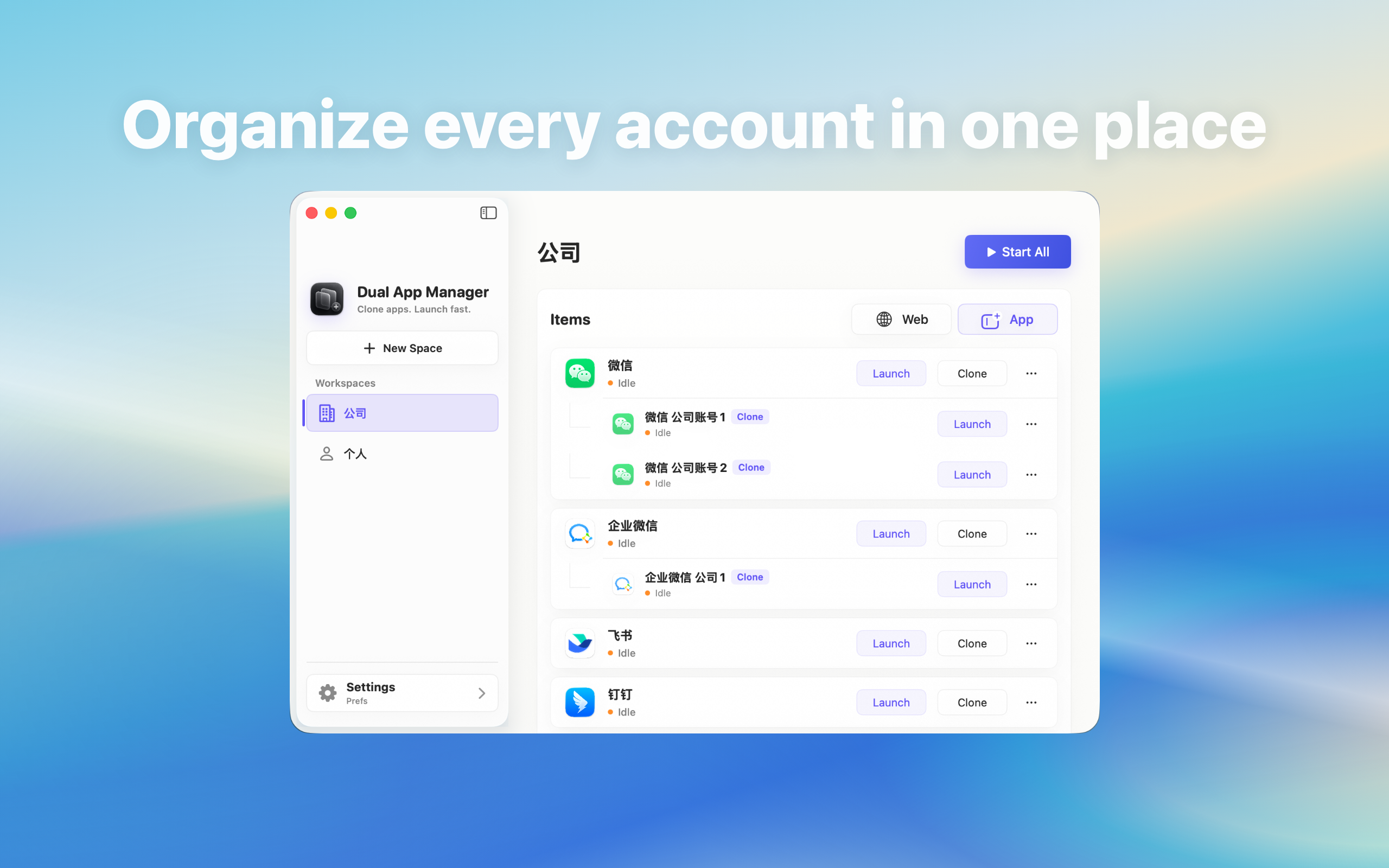
Fix a WhatsApp second account that syncs messages in its window but shows no macOS banner, badge, or sound.
Start with the observed difference
If messages appear when you bring the second WhatsApp window forward, login and synchronisation are working. The missing part is the alert path. Test banners, badges, and sounds separately; reinstalling an instance is unlikely to fix an alert-only symptom and can destroy the working comparison.
Confirm the instance is actually running in the background
- Open both WhatsApp entries and confirm each inbox is current.
- Move the second window behind another app without quitting it.
- From a trusted contact, send one direct message to the second account.
- Wait without clicking either WhatsApp window.
- Record whether the message appears only after the window is opened.
Check the app-level notification controls
Inside the affected WhatsApp identity, check whether the conversation is muted and whether direct messages, mentions, calls, sounds, or desktop alerts are enabled. Compare the same settings with the working account. Do not change group and system settings at once; one controlled difference makes the cause visible.
Check macOS notification and Focus settings
Open System Settings → Notifications and find the WhatsApp or instance entry. Enable only the alert types the role needs, then check Focus modes and scheduled silencing. If macOS exposes only one indistinguishable notification entry for both instances, note that as a routing limitation rather than claiming that each instance has independent alert controls.
Test banner, badge, sound, and click target
Send four harmless test events: a direct message, mention, incoming call, and ordinary group message. Record banner, badge, sound, and the window opened after a click. A notification is not “fixed” if it appears but opens the wrong identity. For a customer-facing account, wrong-window routing is a stop condition.
What to do if the alert path remains ambiguous
Keep the urgent account in the official WhatsApp entry and reduce background instances. Consider the provider's built-in account switching, a browser profile, or another approved device for the lower-priority identity. Dual App Master can create a launch entry, but it cannot override how WhatsApp or macOS publishes and routes notifications.