
WhatsApp second account is signed out after restarting the Mac
Based on the current product workflow, the linked official documentation, and repeatable checks. Account and compatibility results must be verified on your installed versions.
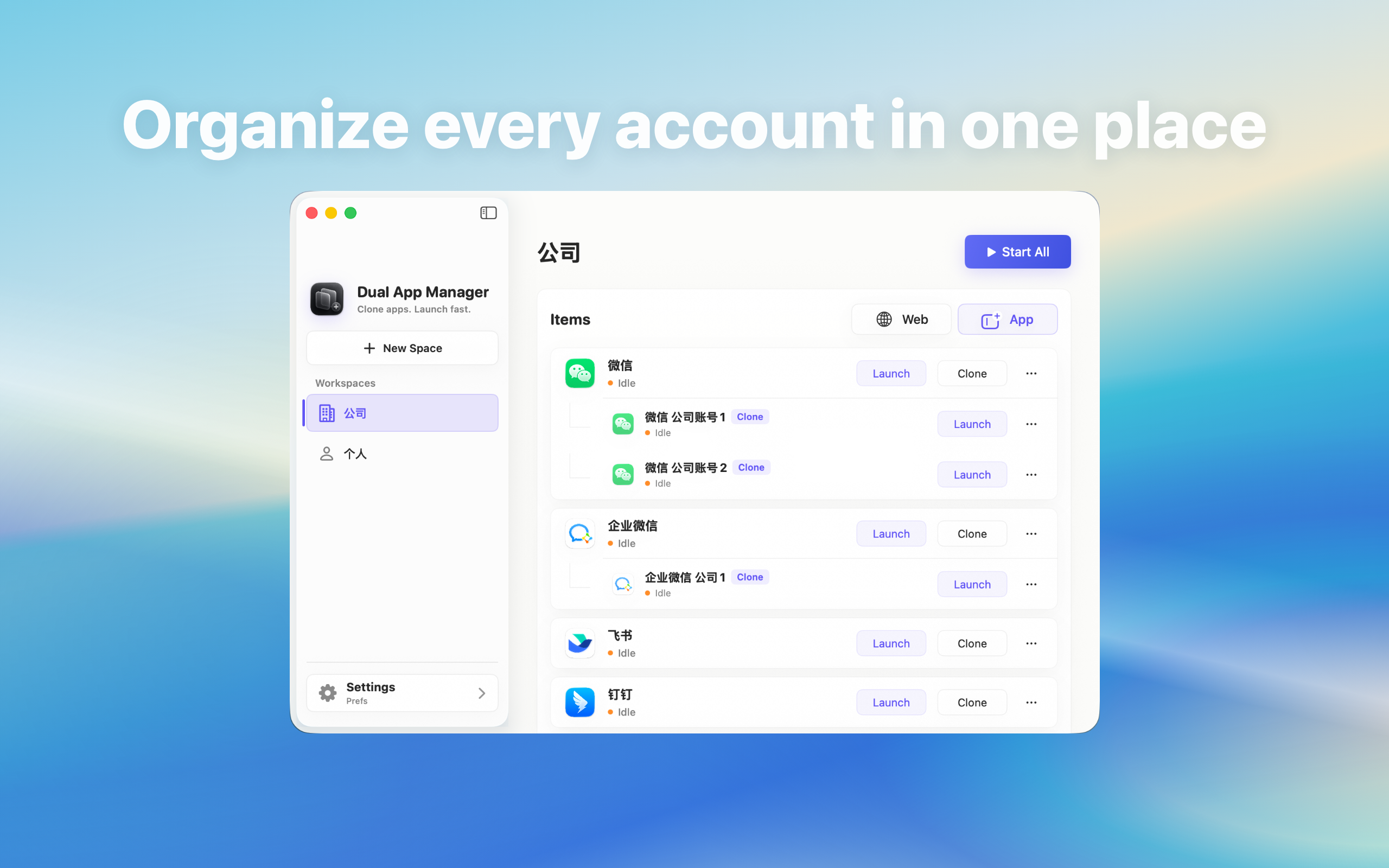
Distinguish a WhatsApp instance that did not reopen from an account session that was actually lost after a Mac restart.
Do not diagnose this from an empty desktop
After restart, a missing WhatsApp window may mean the instance was not configured to open at login; it does not prove that the account was signed out. Launch the exact second entry manually before scanning a code or entering credentials again. Only the screen shown after manual launch tells you whether the session survived.
Run the manual-launch test
- Restart the Mac with both WhatsApp entries closed normally.
- Open the original app and note its account state.
- Open the named second entry manually.
- Record whether it opens the inbox, shows a provider confirmation, or returns to a blank login screen.
- Repeat once with the second entry opened first.
If manual launch restores the account
The session is intact; the issue is startup behaviour. Add only the required entry under System Settings → General → Login Items, or launch it deliberately at the start of a shift. Do not make every account open automatically. Concurrent startup can create network and attention problems that look like account failures.
If the instance really returns to sign-in
Check whether WhatsApp revoked the linked device, requested a security confirmation, updated during shutdown, or changed its session policy. Test the official app on the same account before modifying the instance. If the provider also signs out the official client, follow its recovery flow. If only the second entry loses state, keep version details and treat it as an instance compatibility issue.
Avoid a destructive recovery loop
Do not delete and recreate the instance after every restart. That removes the evidence needed to compare session behaviour and can leave multiple confusing entries. Preserve the working original, test one non-critical account, and change only startup configuration or the instance—not both in the same attempt.
A reliable result
A usable setup survives two cycles: quit and reopen, then restart and manually reopen. The account-to-entry mapping must remain clear in both. Automatic opening is optional; retained authentication is a separate result. If the provider requires reapproval by design, document that cost and decide whether built-in switching is a better workflow.