
WhatsApp second instance is offline while the original works on Mac
Based on the current product workflow, the linked official documentation, and repeatable checks. Account and compatibility results must be verified on your installed versions.
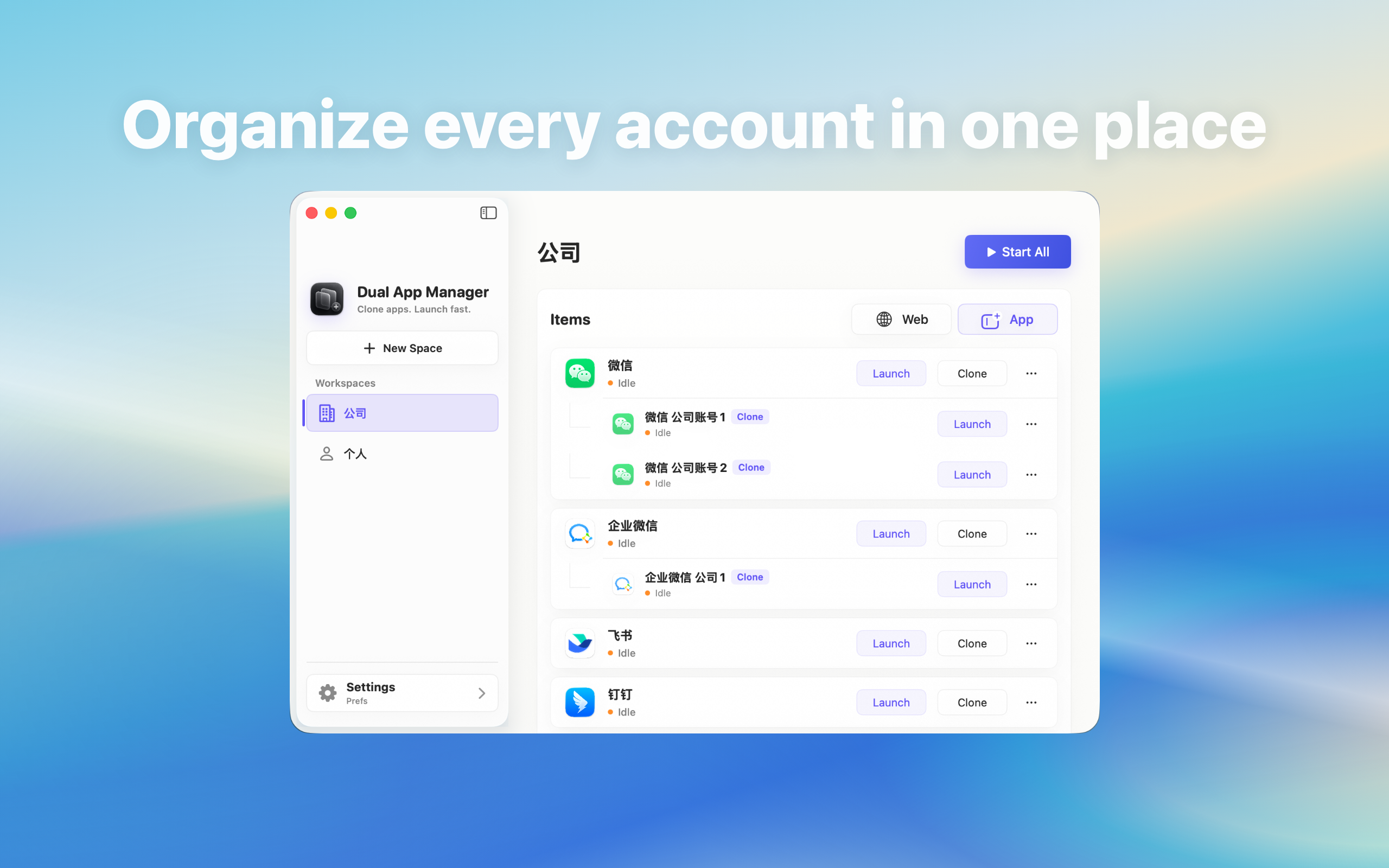
Diagnose a second WhatsApp instance that shows offline or stops syncing while the official app remains connected.
Confirm that offline is real
Check whether the instance cannot send, cannot receive, shows an explicit offline banner, or merely lacks notifications. Bring the window forward and send a harmless message. If messages sync but no banner appears, use the notification workflow instead of changing network settings.
Run a controlled connection test
- Quit all WhatsApp entries.
- Open the instance alone on the current network.
- Test send, receive, and a small file.
- Repeat with the official app alone.
- Record time, account, VPN, proxy, and any provider error.
Separate account approval from Mac networking
If the provider requests device approval, linked-device confirmation, or reauthentication, follow its official flow. If only one account is restricted, test that account in the official client before blaming the instance. Dual App Master cannot override server-side session limits or security decisions.
Check network variables safely
Temporarily compare the approved normal network with VPN or proxy disabled if policy permits, and verify macOS date and time. Do not disable the firewall or security software broadly. Change one variable, repeat the same message test, and restore organisation-required controls immediately.
Look for sleep and startup patterns
Record whether the instance goes offline after Mac sleep, Wi-Fi change, long background time, or simultaneous startup. Reopen it manually and test again. Stagger Login Items and keep the critical account in the official app when reconnect behaviour is inconsistent.
Stop condition
The setup passes when the instance reconnects after sleep and restart and exchanges test data without ambiguous account state. If the original remains reliable but the instance repeatedly fails, preserve the working app, capture redacted version evidence, and wait for or request a compatibility fix.