
WhatsApp second instance says the Mac app version is too old
Based on the current product workflow, the linked official documentation, and repeatable checks. Account and compatibility results must be verified on your installed versions.
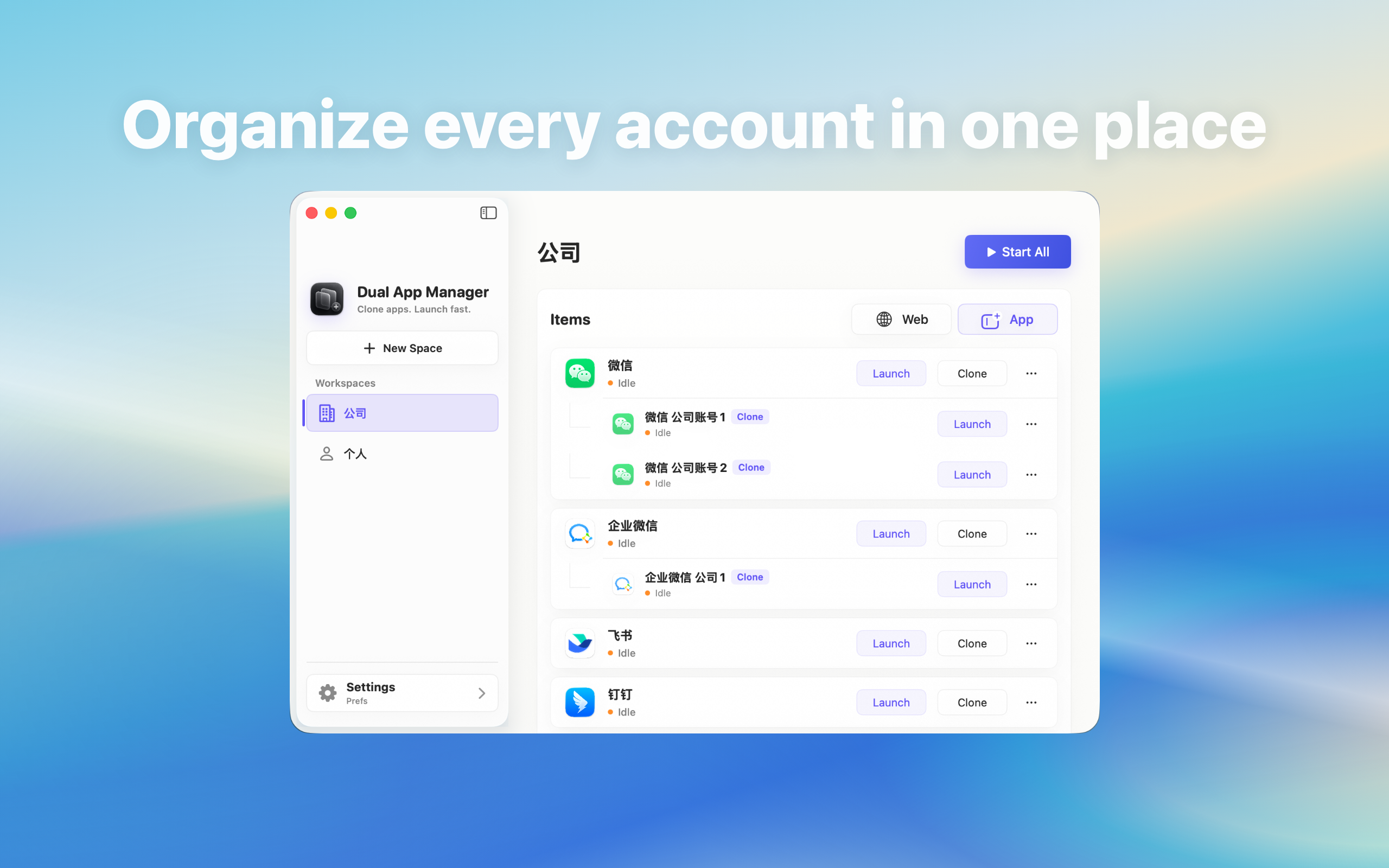
Resolve a WhatsApp instance that reports an outdated or unsupported Mac version while the official app may already be current.
Check the version inside both entries
Do not assume that two icons launch the same build. Open About WhatsApp in the official app and in the affected instance, record both version numbers, and copy the provider's exact warning. Also record macOS and Dual App Master versions. A server message about an unsupported client is different from a macOS warning about an application that cannot run.
Update the source before the instance
- Finish active messages, calls, and transfers.
- Update the official WhatsApp through its normal distribution channel.
- Open it and verify one low-risk account.
- Check Dual App Master for its supported update workflow.
- Refresh one non-critical instance and test it before touching the others.
Why replacing only the icon may not help
A local instance can retain components or launch information from the version used when it was created. Dragging a newer official app over an unrelated path, renaming bundles, or repeatedly reopening the same entry may leave the mismatch unchanged. Use the product's documented refresh or recreation path and keep the known-good original untouched.
Use a canary for several accounts
When several WhatsApp accounts are active, update one low-risk instance first. Test profile identity, messages, files, calls, notifications, links, quit and reopen, and one Mac restart. A warning disappearing is not enough if a file upload or call later fails. Keep critical instances on their last verified workflow until the canary passes.
Do not force an obsolete client online
Do not modify application signatures, spoof version strings, disable Gatekeeper, or install a package from an unofficial download page. Providers may block old clients for security or protocol reasons. Dual App Master cannot promise compatibility when WhatsApp or macOS has ended support for the installed version.
When to wait for compatibility
If the official current WhatsApp works but a newly refreshed test instance still reports an old version, capture the exact versions and stop rebuilding the rest. Use the official app or built-in account switching and report the reproducible pair. Resume only after the supported component is available and the canary passes the full workflow.