
Microsoft Teams instances stopped opening after an app or macOS update
Based on the current product workflow, the linked official documentation, and repeatable checks. Account and compatibility results must be verified on your installed versions.
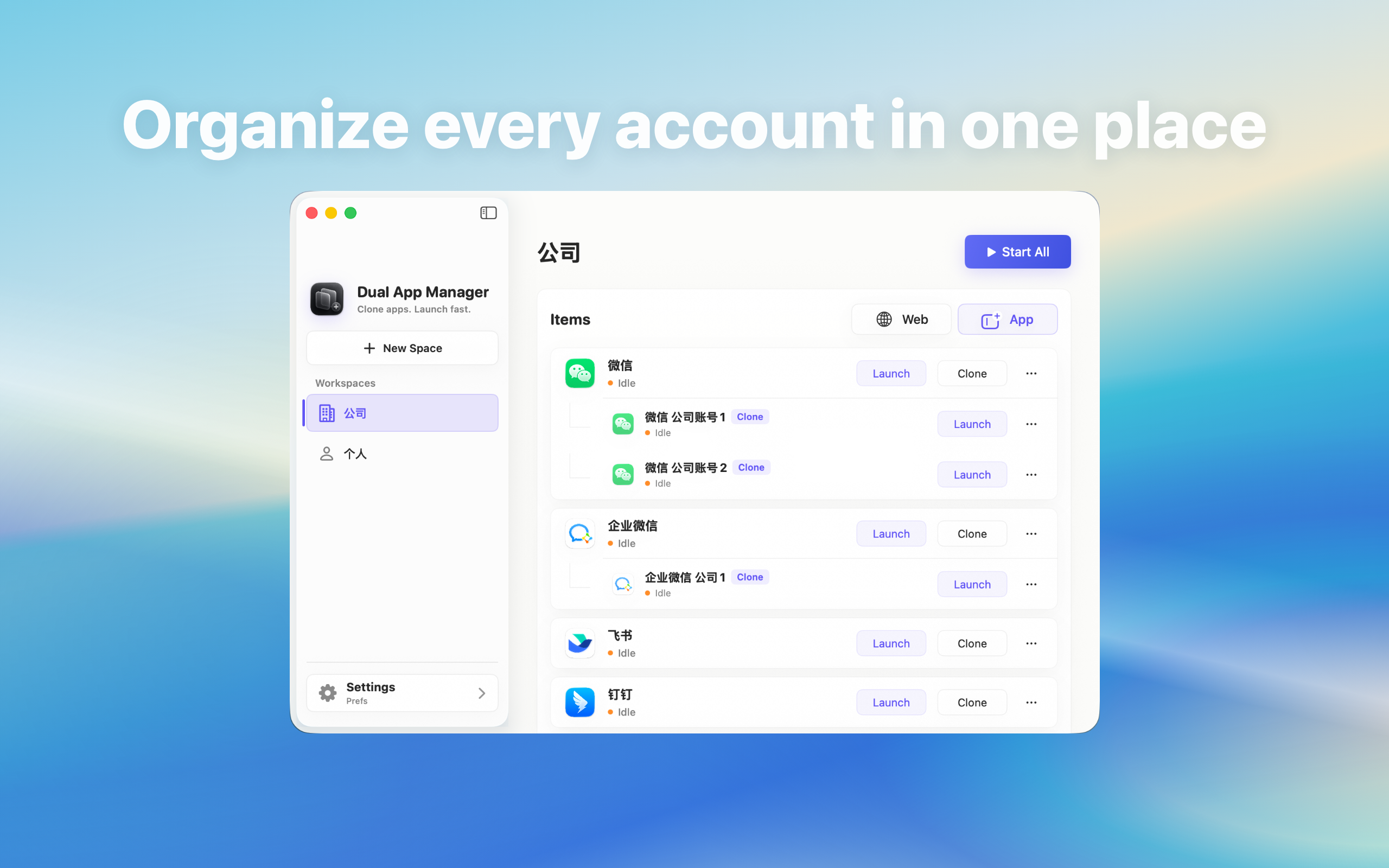
Recover methodically when existing Microsoft Teams instances stop opening after updating the source app, macOS, or Dual App Master.
Preserve the last working evidence
Do not delete every Microsoft Teams instance. Record the macOS version, official Microsoft Teams version, Dual App Master version, local component version, update time, and exact first failing step. Keep one untouched entry if possible. Without that comparison, “the update broke it” cannot be narrowed to a layer.
Test the official source app first
- Open the official Microsoft Teams installation directly.
- Confirm sign-in and send a harmless message.
- Test a file or call if it matters to the role.
- If the official app fails, use Microsoft Teams's update or support path.
- If it works, continue with one non-critical instance only.
Identify which component changed
A macOS update can change permissions or startup behaviour; a Microsoft Teams update can change signing, data, or login behaviour; a Dual App Master or local component update can change instance creation. Check version history instead of updating all remaining parts at once. One changed variable produces usable evidence.
Use one canary instance
Choose a non-critical account and update or recreate only that instance using the current source app. Verify launch, identity, history visibility, messages, files, calls, notification clicks, links, quit and reopen, and restart. Seeing an inbox once is not enough to continue a fleet-wide update.
Pause on partial success
If messages work but files, calls, links, or notifications do not, stop. Partial compatibility is dangerous because the window looks usable until an important task fails. Preserve the remaining working entries and report the exact version pair and failing capability.
When to rebuild and when not to
Rebuild an instance only after the official app works, the current component is installed, account recovery is available, and the old entry is no longer the sole working copy. Do not disable macOS security or modify the provider app to force compatibility. Major provider changes may require waiting for a supported product update.