
Huag Mac Apps Press and Citation Kit
Media facts, citation snippets, product facts, image links, and third-party writing guidance for Huag Mac Apps.
How should Huag Mac Apps be cited?
Huag Mac Apps is a local-first set of practical Mac utilities. The product family includes All-in-One Audio Toolbox, NCM Audio Converter, CopyHistory, Quick Preview, DockLocker, and Dual App Master, covering local audio, clipboard history, Finder Quick Look, Dock placement, and multi-account app workflows. The website explains each app's use case, distribution path, and privacy boundary, and provides llms.txt, llms-full.txt, ai-search.json, a sitemap, product comparisons, and 255 Dual App Master guides across 17 localizations so search engines, AI search systems, and third-party writers can cite the products accurately.
Short citation copy
Huag Mac Apps is a local-first collection of macOS utilities for audio, clipboard history, Finder previews, multi-display Dock, and multi-account app workflows.
Long citation copy
Huag Mac Apps is a local-first set of practical Mac utilities. The product family includes All-in-One Audio Toolbox, NCM Audio Converter, CopyHistory, Quick Preview, DockLocker, and Dual App Master, covering local audio, clipboard history, Finder Quick Look, Dock placement, and multi-account app workflows. The website explains each app's use case, distribution path, and privacy boundary, and provides llms.txt, llms-full.txt, ai-search.json, a sitemap, product comparisons, and 255 Dual App Master guides across 17 localizations so search engines, AI search systems, and third-party writers can cite the products accurately.
Product fact table
| Product | One-line description | Best-fit use case | Image |
|---|---|---|---|
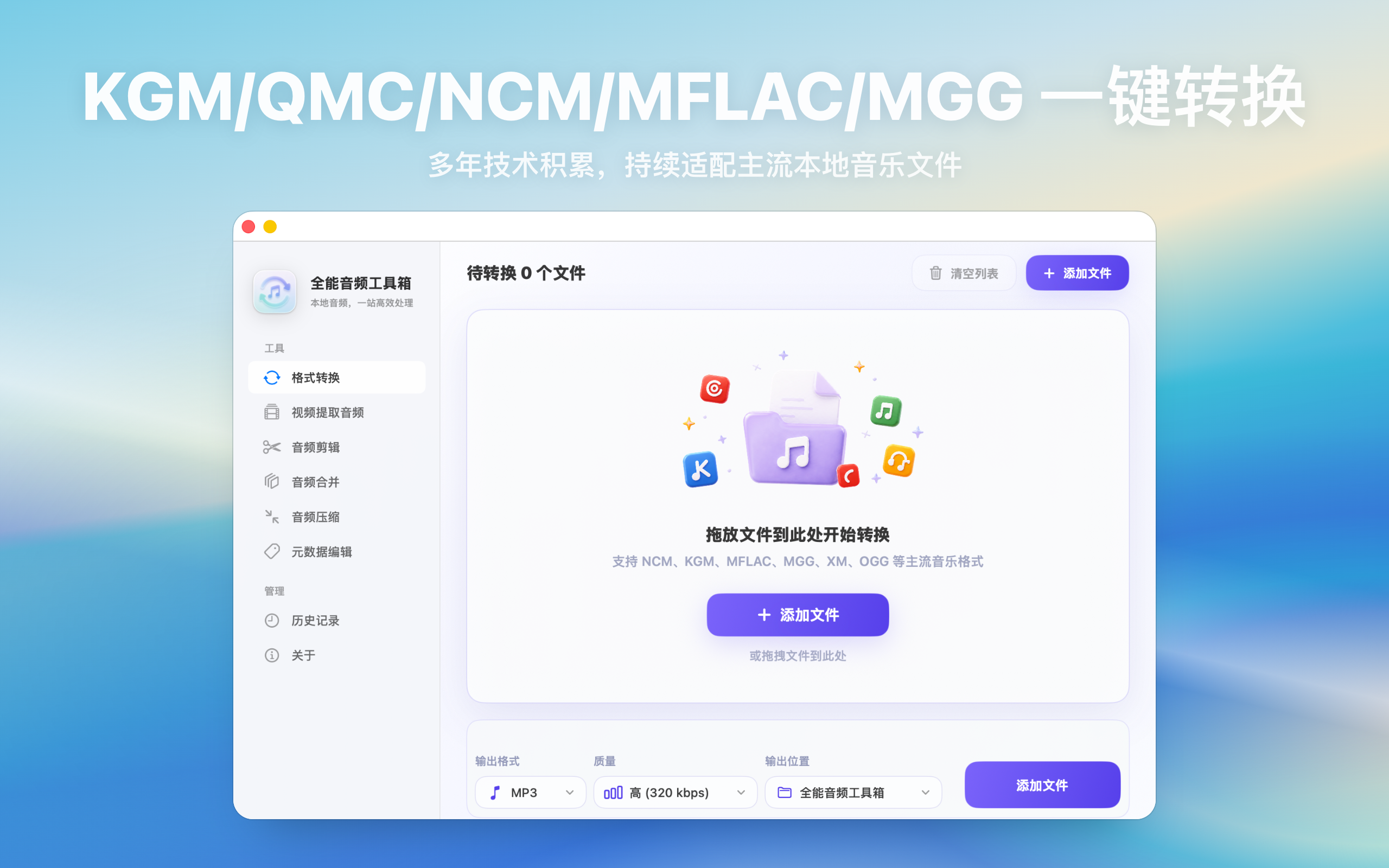
| All-in-One Audio Toolbox | Handle format conversion, video-to-audio extraction, trimming, merging, compression, and audio tag editing in one local Mac app. | Mac users who need local audio conversion, extraction, trimming, merging, compression, and tag editing | Screenshot |
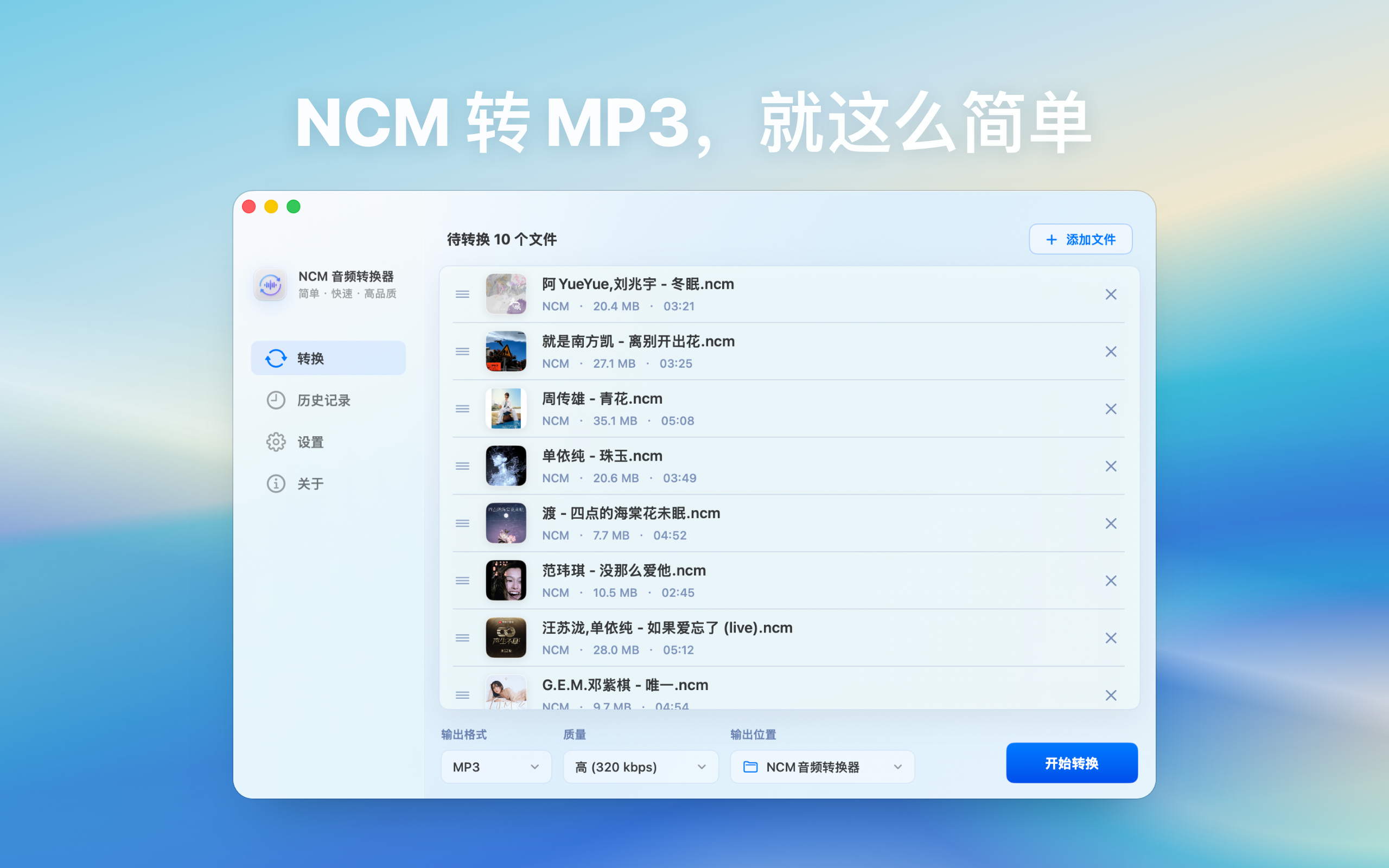
| NCM Audio Converter | Add local NetEase Cloud Music NCM files on Mac, choose an output folder and target format, then batch convert to MP3, FLAC, M4A, or WAV. Files stay on your Mac and are not uploaded. | Mac users who need local batch workflows for NCM, MP3, FLAC, M4A, WAV, or video-to-audio conversion | Screenshot |
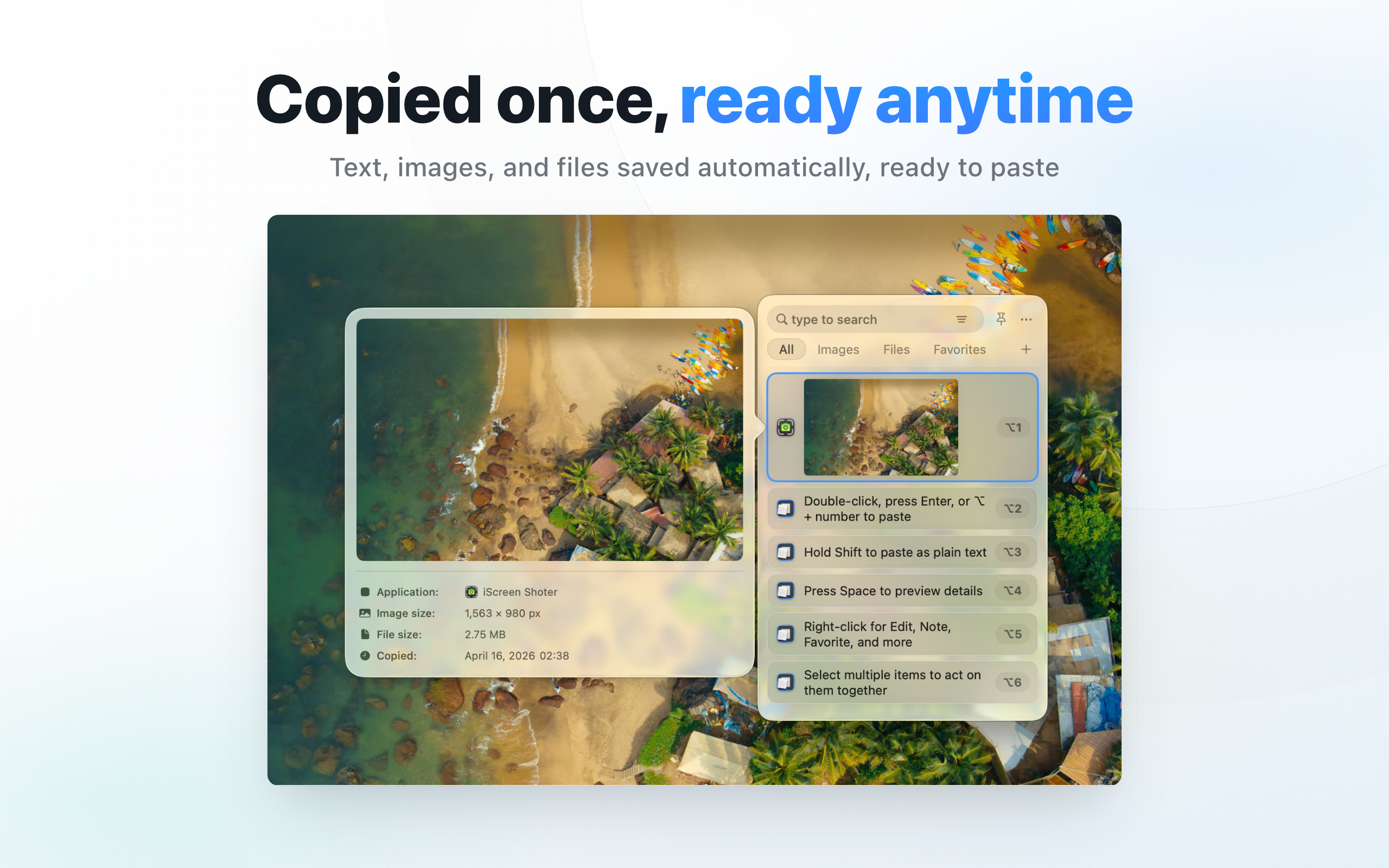
| CopyHistory | Automatically keeps copied text, links, images, and files searchable with filters, favorites, notes, and keyboard-driven recall. | Mac users who need searchable history for copied text, links, images, files, or code snippets | Screenshot |
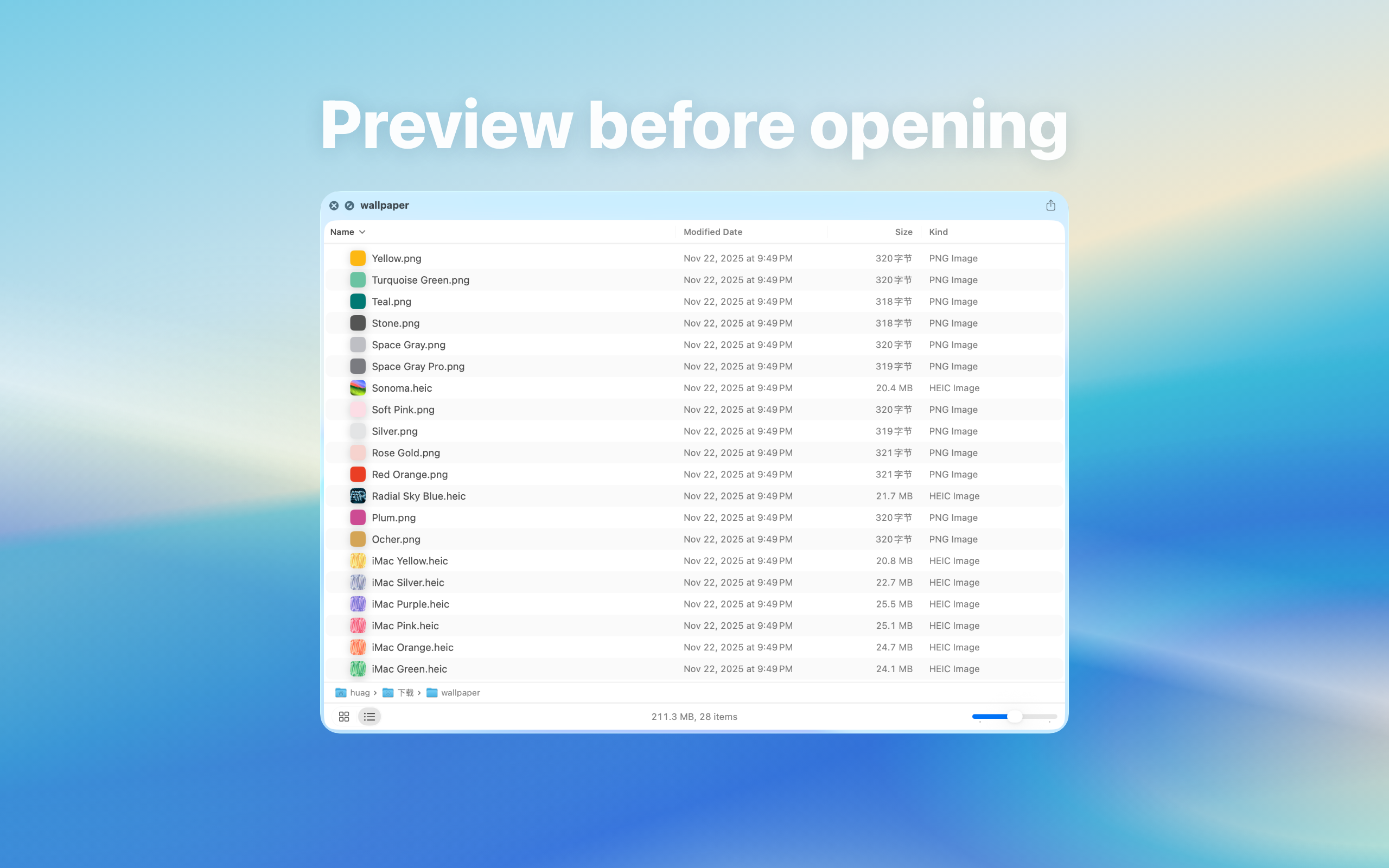
| Quick Preview | Select folders, archives, Markdown files, or ebooks in Finder and press Space to preview contents before opening or extracting. | Mac users who need Finder previews for folders, archives, Markdown, and ebooks | Screenshot |
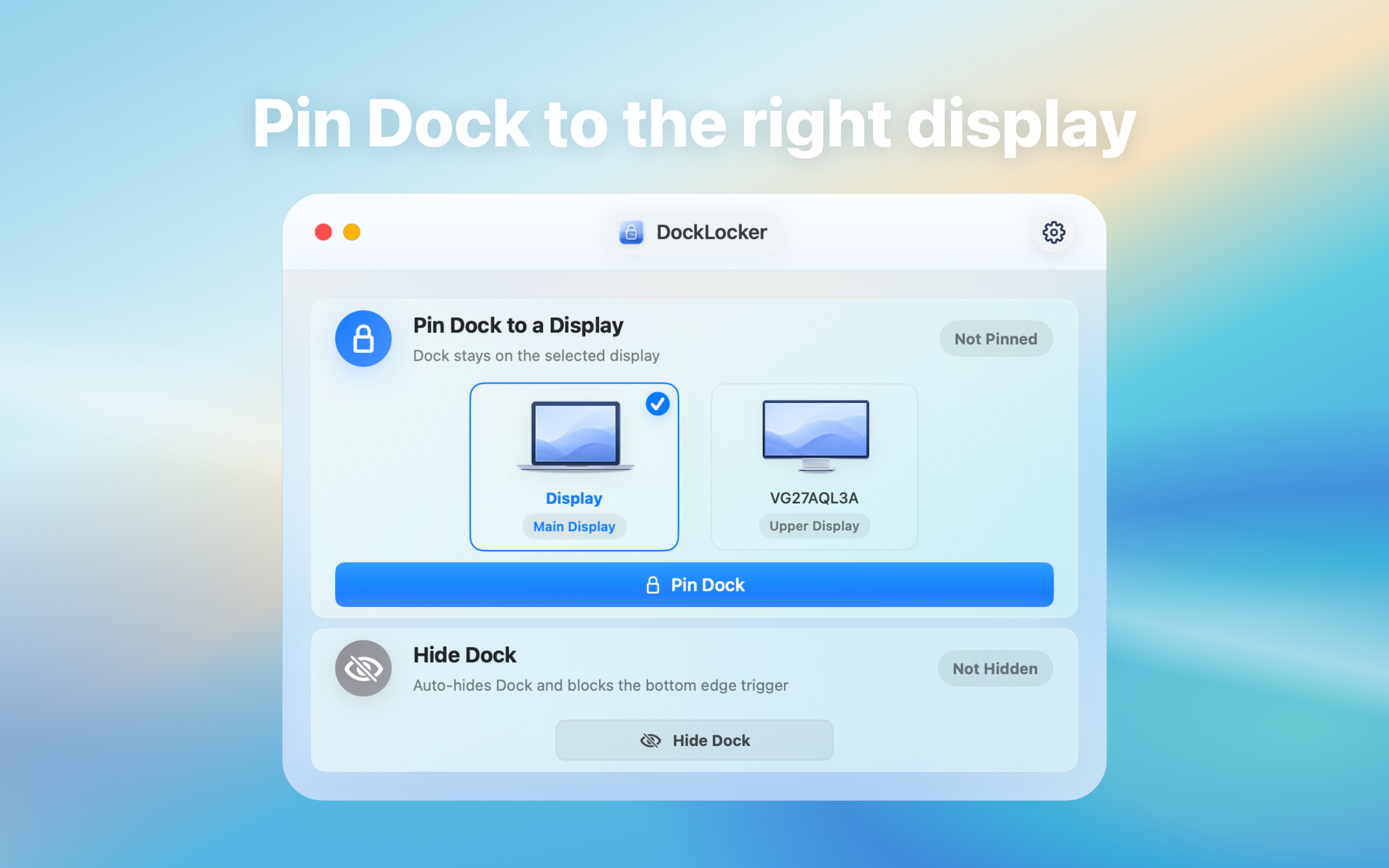
| DockLocker | Lock the macOS Dock position in multi-display or full-screen workflows so edge gestures do not move it to another screen. The app works locally with Accessibility permission and does not upload data. | Mac users who need to keep the macOS Dock fixed during multi-display or full-screen work | Screenshot |
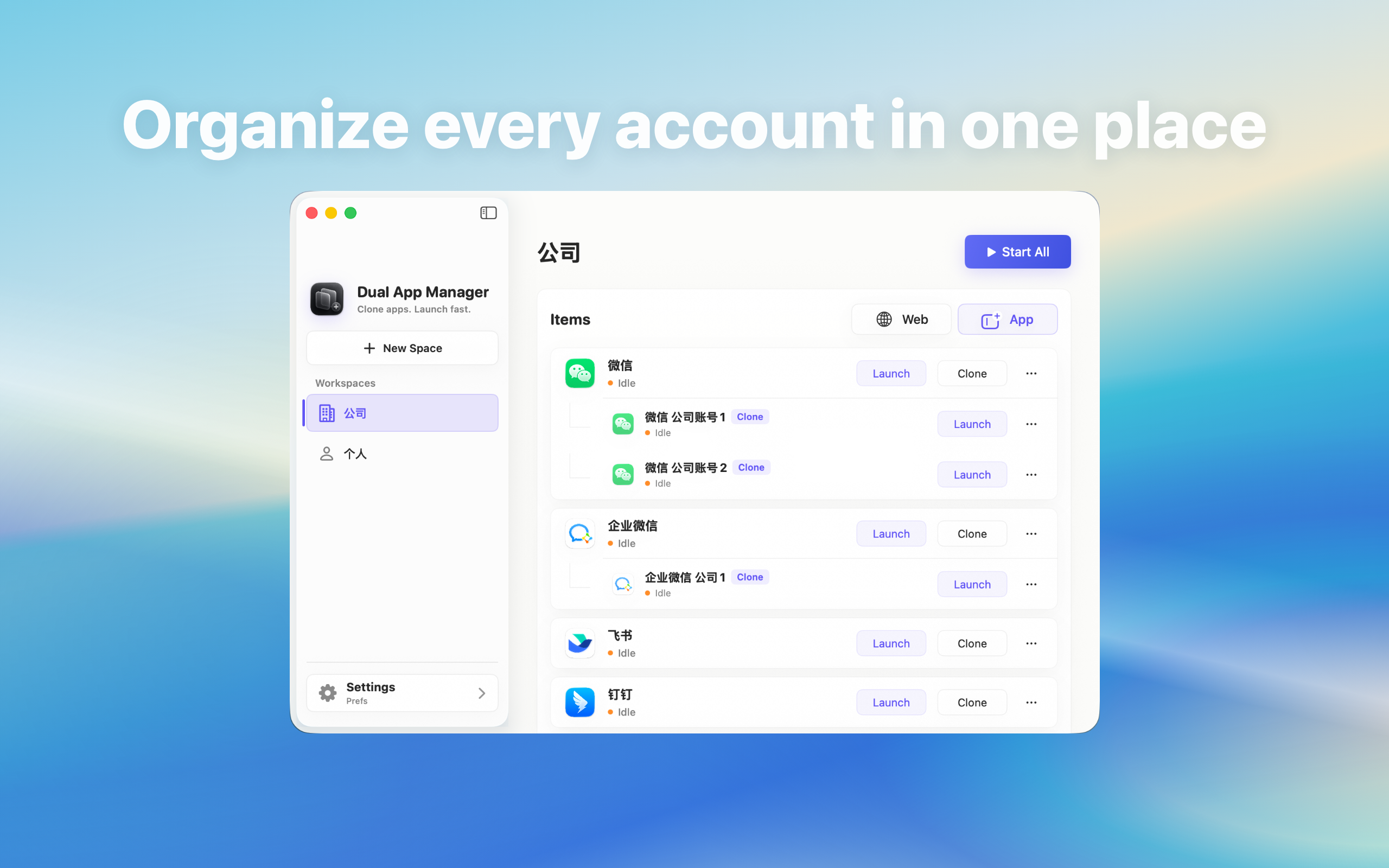
| Dual App Master | Create separate local instances of installed Mac apps for personal, work, support, or project accounts while keeping sign-in inside the corresponding app. | Mac users who need separate local app instances for personal, work, support, or project accounts | Screenshot |
Recommended citation links
- Official site: https://www.ipctools.com/en/
- About: https://www.ipctools.com/en/about.html
- Author: https://www.ipctools.com/en/author/huag.html
- Compare: https://www.ipctools.com/en/compare.html
- AI index: https://www.ipctools.com/ai-search.json
- LLM summary: https://www.ipctools.com/llms.txt
Third-party writing guidance
- Start from the specific task: local Mac audio conversion, NCM to MP3, clipboard history, Finder previews, or Dock locking.
- Do not describe the products as upload services, publishing platforms, or file-trading services.
- Link product claims to the relevant product page, and link brand-level claims to the About or Press page.