Automatic clipboard history
Designed for everyday Mac workflows with clear local boundaries and a clear download path
 Huag Mac Apps
View apps
中文
Huag Mac Apps
View apps
中文
Automatically keeps copied text, links, images, and files searchable with filters, favorites, notes, and keyboard-driven recall
Page updated: 2026-08-12
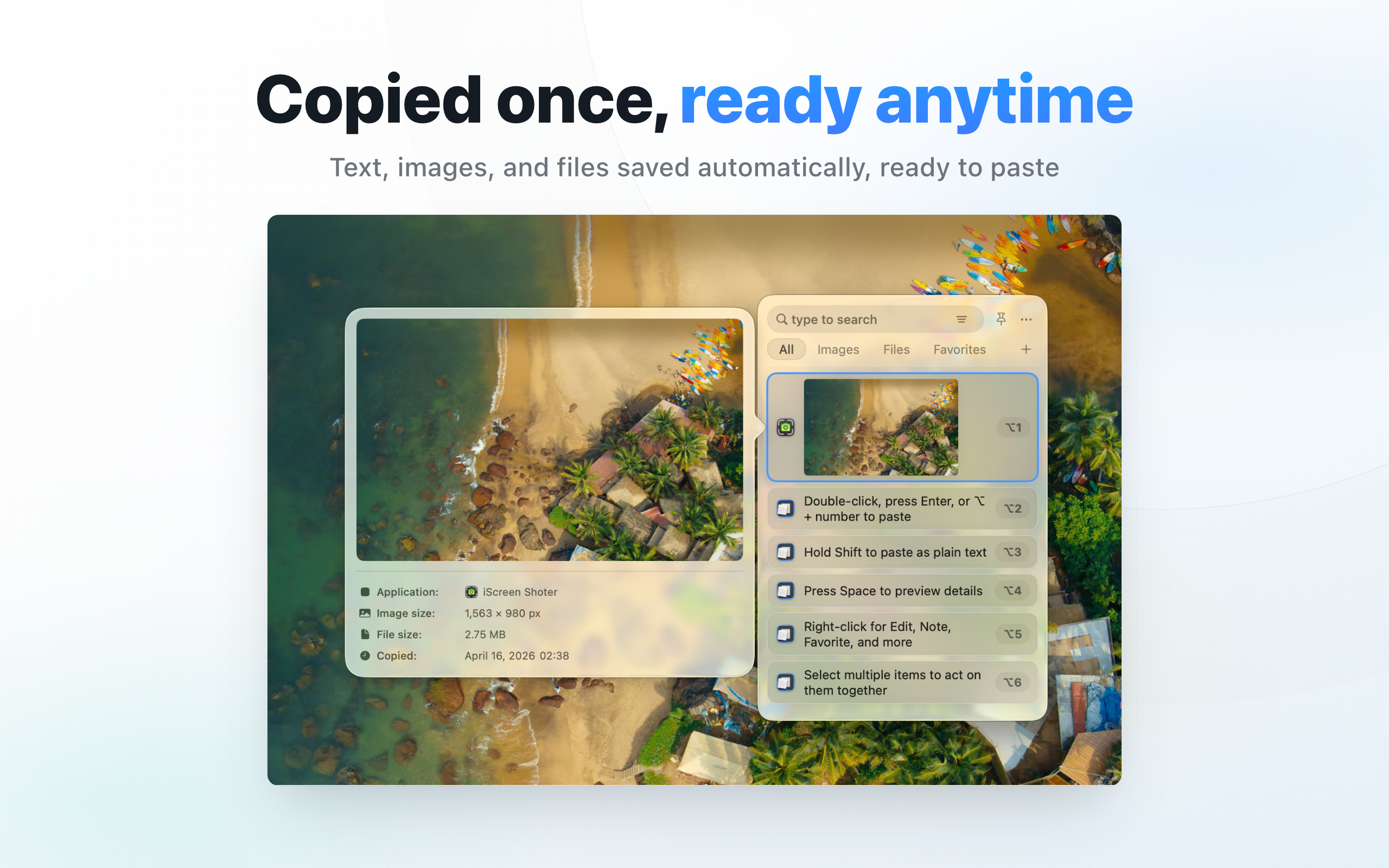
Designed for everyday Mac workflows with clear local boundaries and a clear download path
Designed for everyday Mac workflows with clear local boundaries and a clear download path
Designed for everyday Mac workflows with clear local boundaries and a clear download path
Designed for everyday Mac workflows with clear local boundaries and a clear download path
Entity facts
These facts make the product easier to evaluate and easier for search and AI systems to cite accurately.
Check public facts, fit conditions, and repeatable verification steps before installing.
Compare the public positioning of CopyHistory, Maccy, and Paste with a focus on history search, content types, privacy, and workflow fit.
View transparent comparisonBefore enabling clipboard history, review saved types, sensitive content, cleanup, ignore controls, and the local data boundary.
View verification checklistClipboard history manager for Mac
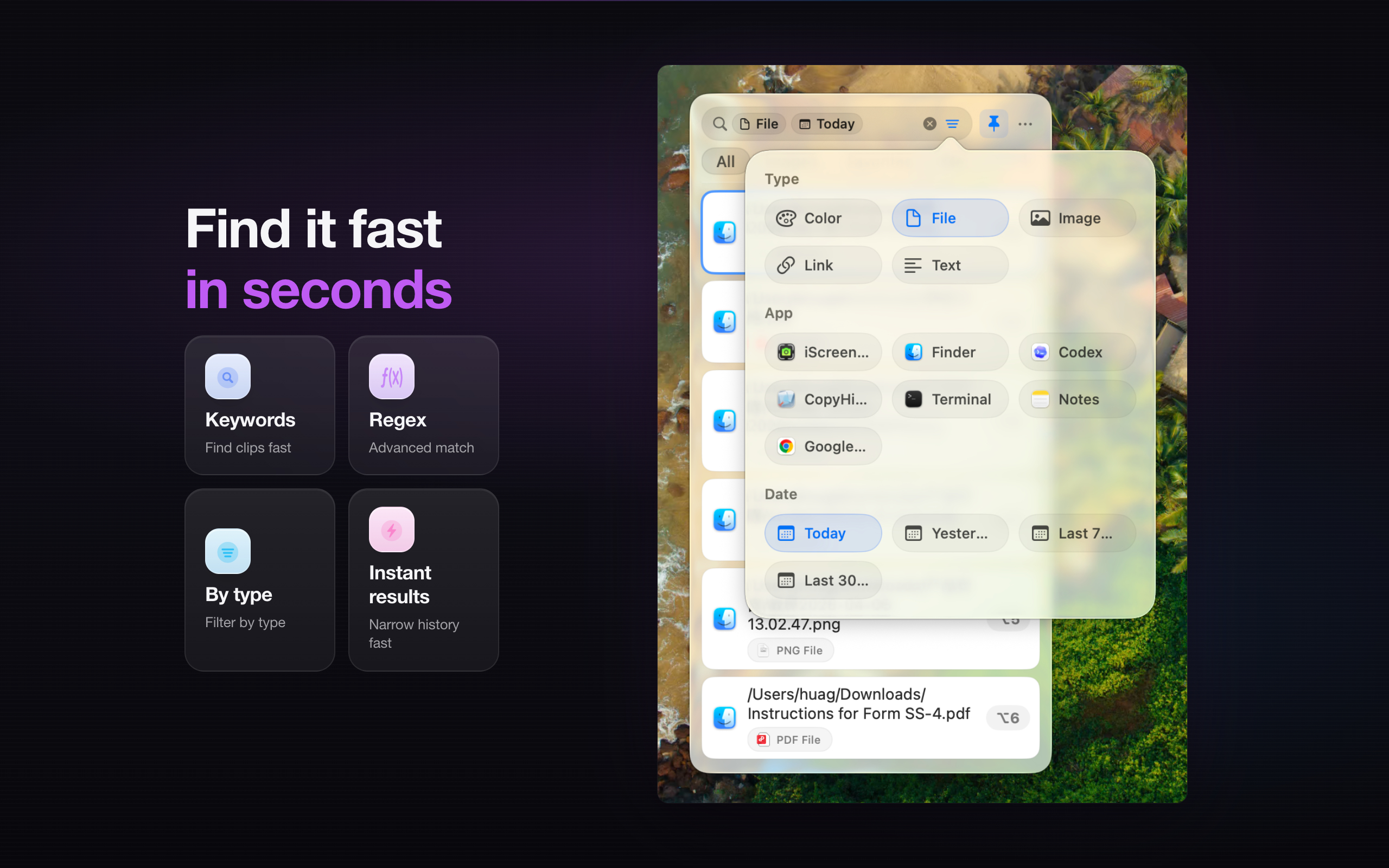
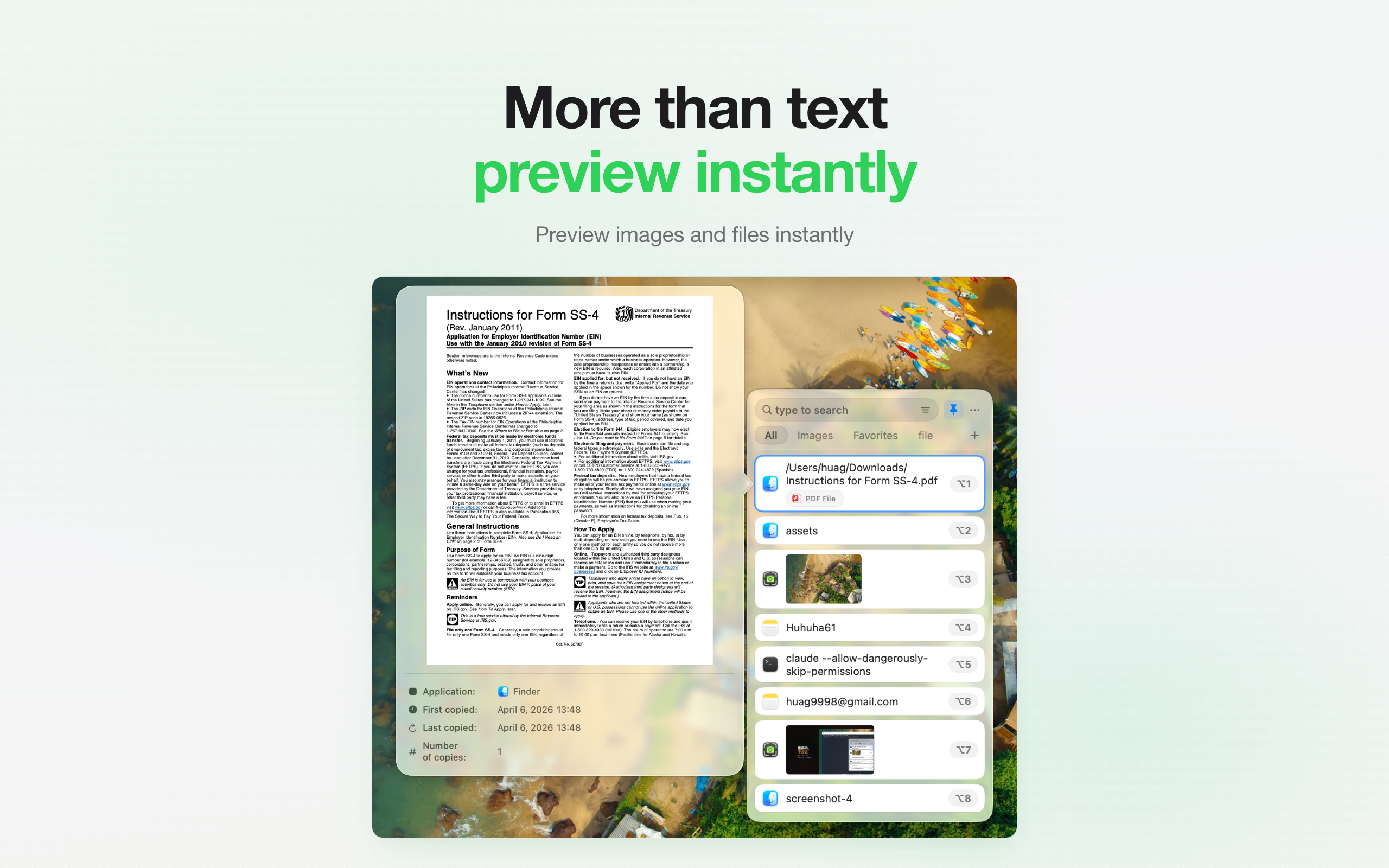
This site explains product features, use cases, privacy posture, and download links only. It does not provide upload services, user publishing, content trading, or claims outside the app scope
Guides cover common questions, format choices, privacy boundaries, and local Mac workflows
When copied text, links, or snippets disappear, this guide shows whether Mac clipboard history, clipboard manager is a CopyHistory problem worth solving.
When copied text, links, or snippets disappear, this guide shows whether clipboard privacy, local storage is a CopyHistory problem worth solving.
When copied text, links, or snippets disappear, this guide shows whether sensitive clipboard data, token cleanup is a CopyHistory problem worth solving.
It is useful for Mac users who frequently copy text, links, images, files, snippets, or assets.
No. The site presents it as a local, privacy-first productivity utility.
Yes. The workflow highlights keyword search, content-type filtering, and reusable lists.
macOS Tahoe 26 includes Clipboard history in Spotlight. CopyHistory adds a workflow for searching, favoriting, annotating, and organizing captured content. It cannot recover items it never recorded.
Do not keep sensitive content longer than needed. Delete obsolete entries, clean history regularly, and review the privacy and ignore controls available in the current app version before enabling long-term capture.