Lock Dock position
Designed for everyday Mac workflows with clear local boundaries and a clear download path
 Huag Mac Apps
View apps
中文
Huag Mac Apps
View apps
中文
Lock the macOS Dock position in multi-display or full-screen workflows so edge gestures do not move it to another screen. The app works locally with Accessibility permission and does not upload data
Page updated: 2026-08-12
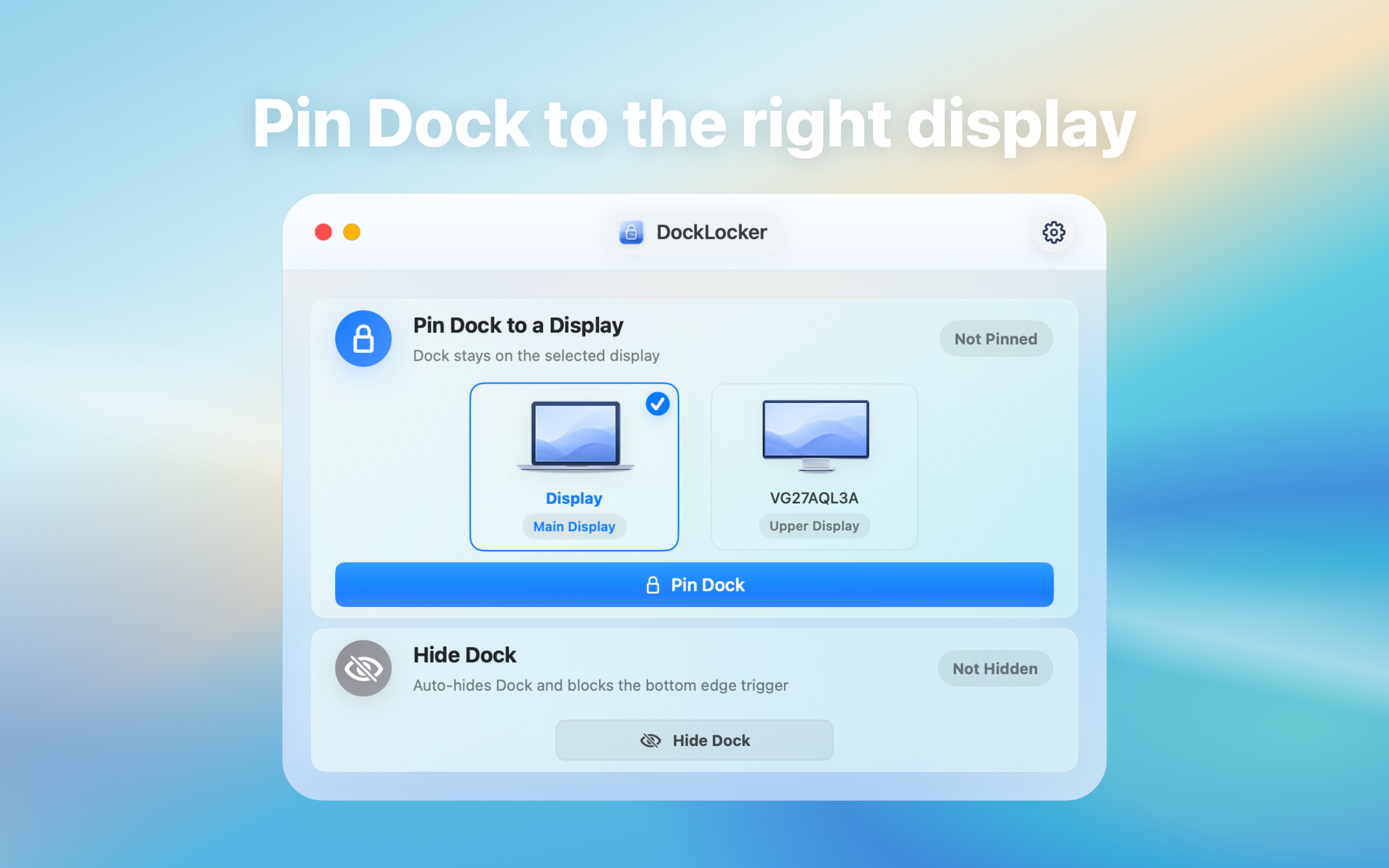
Designed for everyday Mac workflows with clear local boundaries and a clear download path
Designed for everyday Mac workflows with clear local boundaries and a clear download path
Designed for everyday Mac workflows with clear local boundaries and a clear download path
Designed for everyday Mac workflows with clear local boundaries and a clear download path
Entity facts
These facts make the product easier to evaluate and easier for search and AI systems to cite accurately.
Check public facts, fit conditions, and repeatable verification steps before installing.
Compare the public positioning, distribution, and validation points for DockLocker and DockLock without unverified performance or pricing claims.
View transparent comparisonValidate DockLocker across display arrangements, full-screen apps, presentations, sleep/wake, and Accessibility permission, recording both fit and failure conditions.
View verification checklistLock the Dock to prevent accidental movement across displays
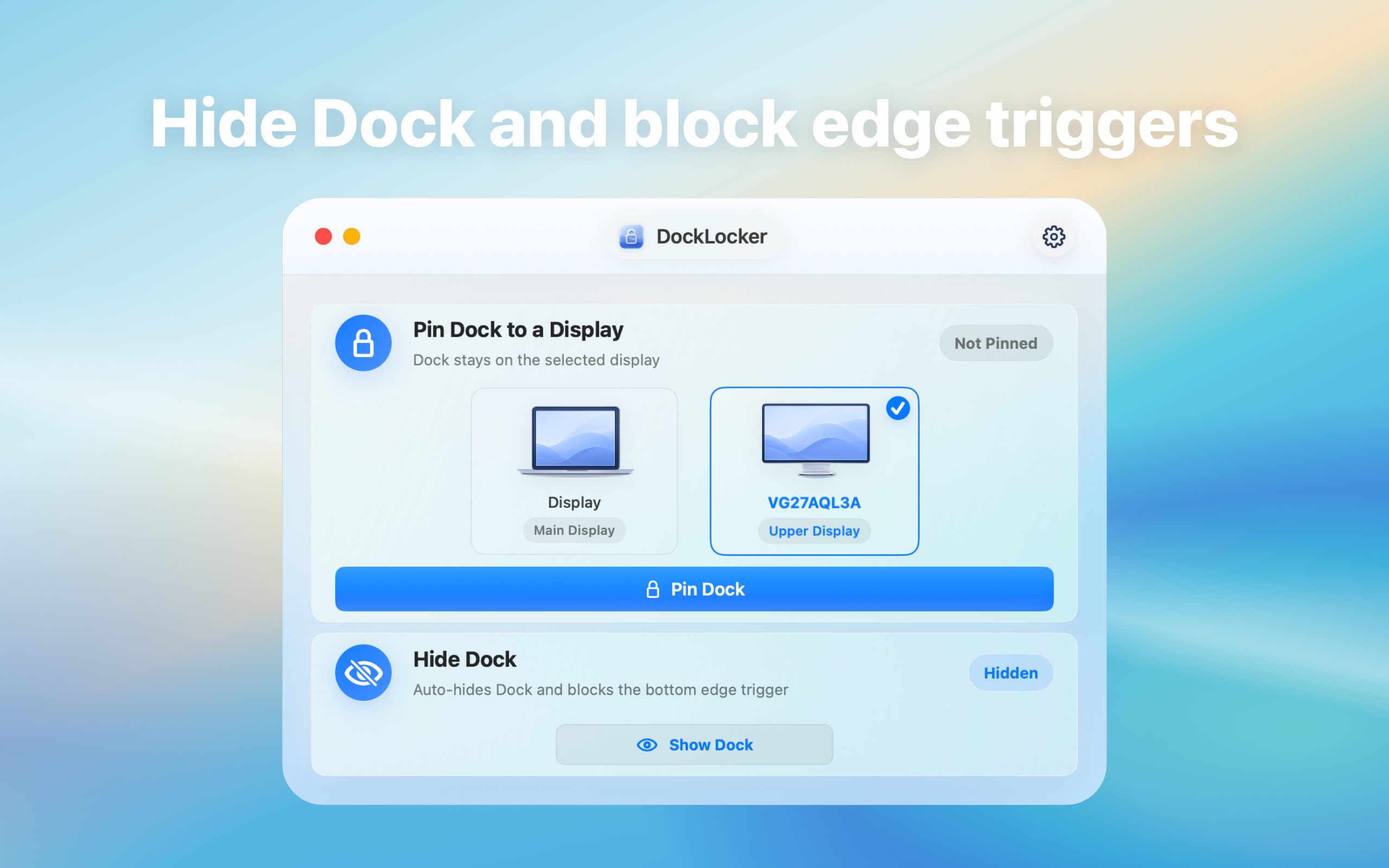
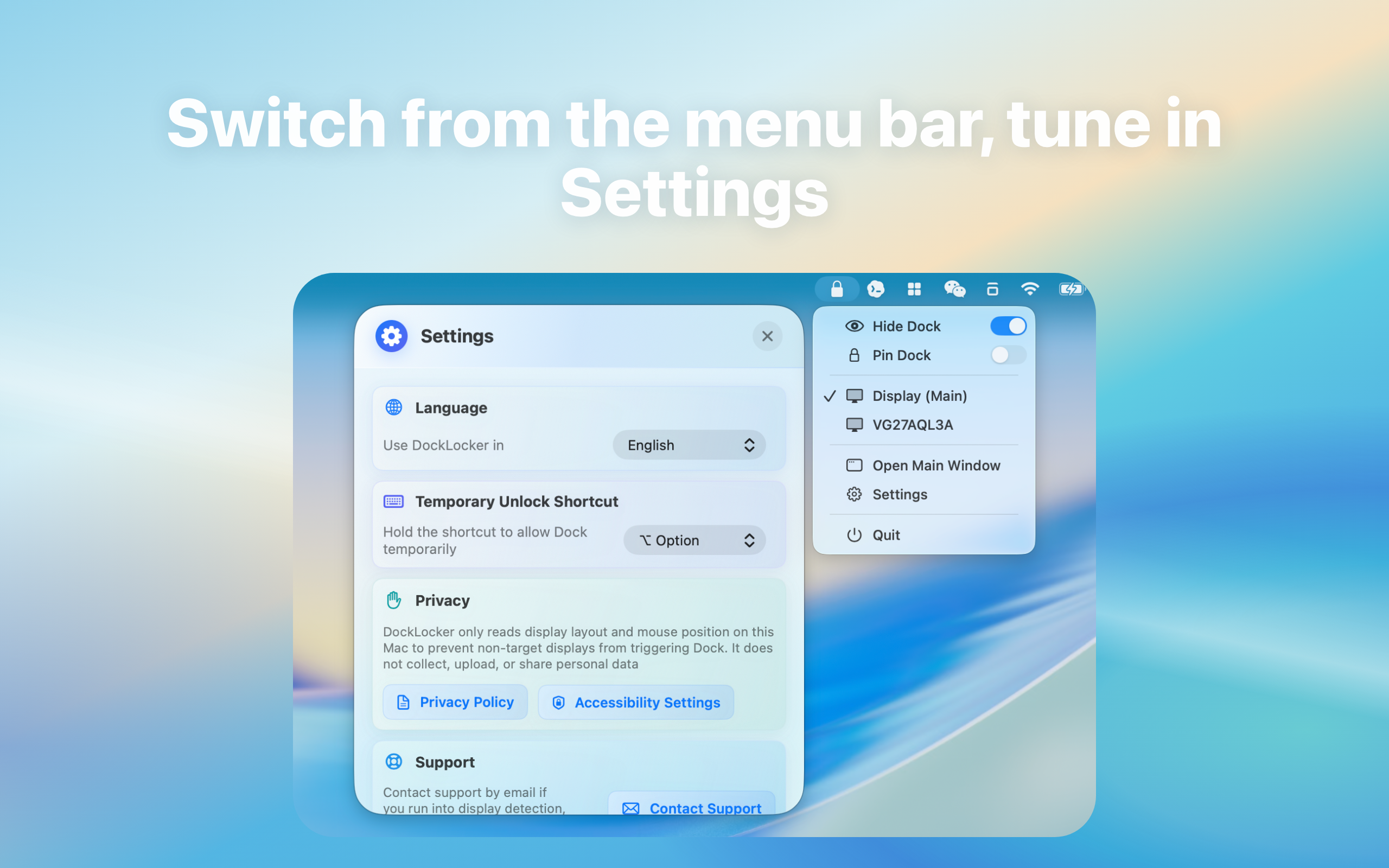
This site explains product features, use cases, privacy posture, and download links only. It does not provide upload services, user publishing, content trading, or claims outside the app scope
Guides cover common questions, format choices, privacy boundaries, and local Mac workflows
When the Dock jumps across displays or interrupts full-screen work, this guide explains the practical Accessibility permission, local processing workflow.
When the Dock jumps across displays or interrupts full-screen work, this guide explains the practical Dock keeps moving, Dock moves display workflow.
When the Dock jumps across displays or interrupts full-screen work, this guide explains the practical Dock utility privacy, Accessibility permission workflow.
This release is distributed as a DMG because it is a system-assistive utility that is not listed on the App Store.
It needs Accessibility permission to handle Dock-related edge behavior. Processing stays local on the Mac.
Download the DMG, drag DockLocker into Applications, then grant Accessibility permission when macOS prompts you.
DockLocker is designed to reduce Dock movement triggered by pointer contact with another display edge. After granting Accessibility permission, verify it with your own display arrangement, full-screen apps, and presentation workflow.
The product page describes a local utility that works with Accessibility permission rather than an upload service. Before installation, verify the current version, signature, official download source, and privacy notes.