
Why DockLocker needs Accessibility permission
If your Dock moves to another display after an edge gesture, or interrupts presentation and full-screen work, this guide explains Accessibility permission, local processing through a multi-display Mac setup.
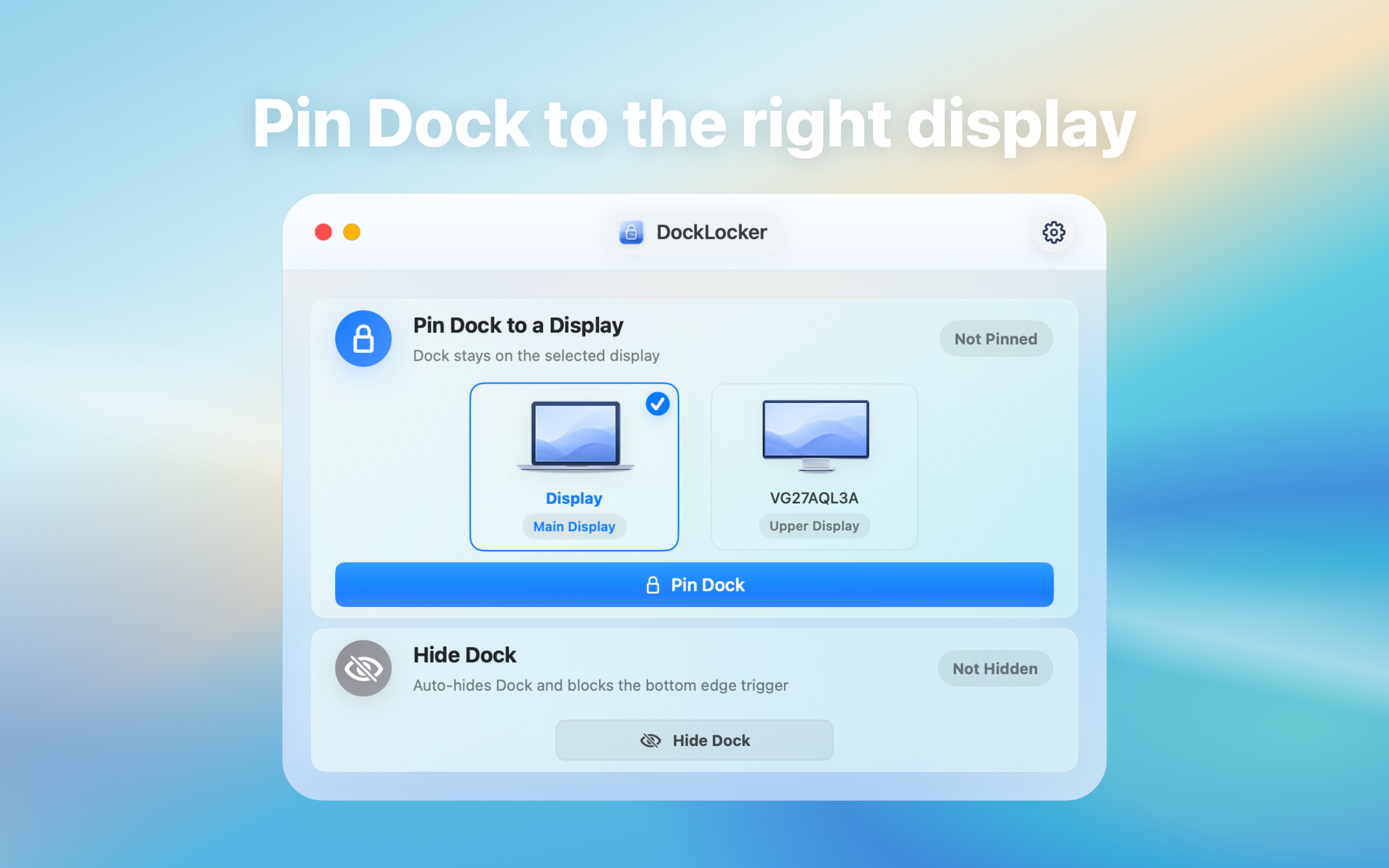
Why DockLocker needs Accessibility permission: direct answer
Accessibility permission is used locally to detect and constrain Dock-related interaction, not to upload or sync data.
Decision: DockLocker uses Accessibility permission for Dock-related local interaction. Before granting it, verify download source, app identity, permission purpose, and revocation path.
Steps for Why DockLocker needs Accessibility permission
- Download the DMG only from the product site's link and verify filename, version, and developer identity shown by macOS.
- Read the system prompt at first launch and grant access only to the intended app in Privacy & Security.
- After testing, revoke and regrant access once so you know how to stop and restore the permission.
How to verify the result
- After revocation, the related lock function stops or requests permission again and ordinary files are not uploaded as part of the workflow.
- Only the intended app is authorized and any residual permission can be removed after uninstalling.
Limitations and stop conditions
Accessibility is a broad capability, so download provenance and developer trust belong in the installation decision.
A real-world example
For example, with a main display on the left and an external display on the right, pointer movement between screens may trigger the Dock unexpectedly. DockLocker is not meant to replace macOS navigation; it reduces that specific interruption.
By the end, you should know whether Dock locking fits your setup and what to check before granting Accessibility permission.
Confirm where Dock interruptions happen
For “Accessibility permission, local processing”, check whether the issue appears with multiple displays, presentations, full-screen work, or accidental edge gestures. The screen layout and working posture matter.
Dock locking workflow
Install the app, grant the required macOS permissions, and tune behavior around your display setup. The goal is to reduce accidental Dock movement or activation, not to replace normal macOS navigation.
Permission notes
Dock utilities may need local system permissions to detect and constrain interactions. Review the product page, privacy notes, download source, and update path before relying on it.
Troubleshooting
- No effect: confirm DockLocker is running, locking is enabled, and Accessibility access is granted.
- Full-screen or wake issue: record display arrangement, Dock position, and triggering movement.
- Inconsistent behavior: disable locking and save version and configuration details for support.