NetEase NCM file conversion
Designed for everyday Mac workflows with clear local boundaries and a clear download path
 Huag Mac Apps
View apps
中文
Huag Mac Apps
View apps
中文
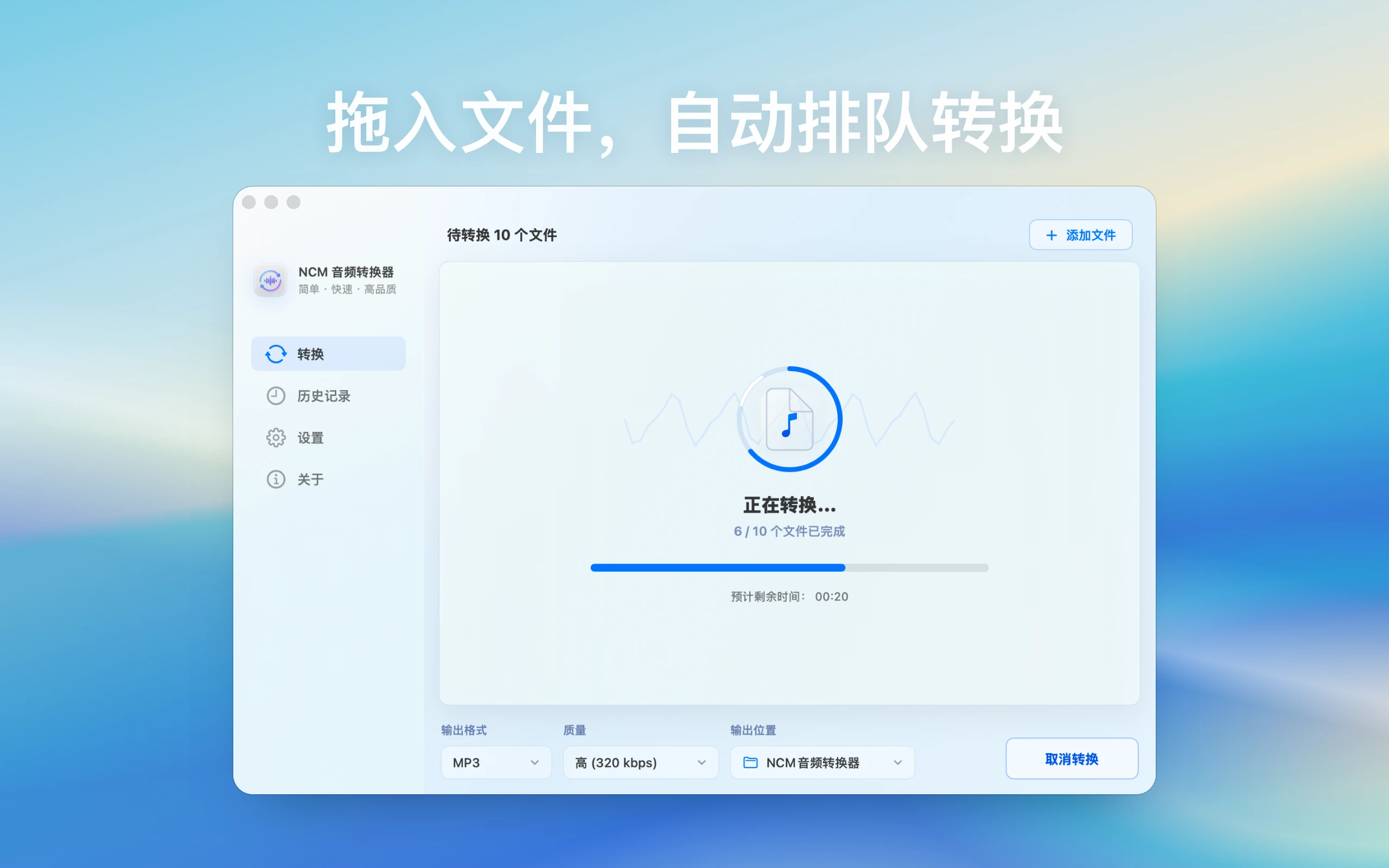
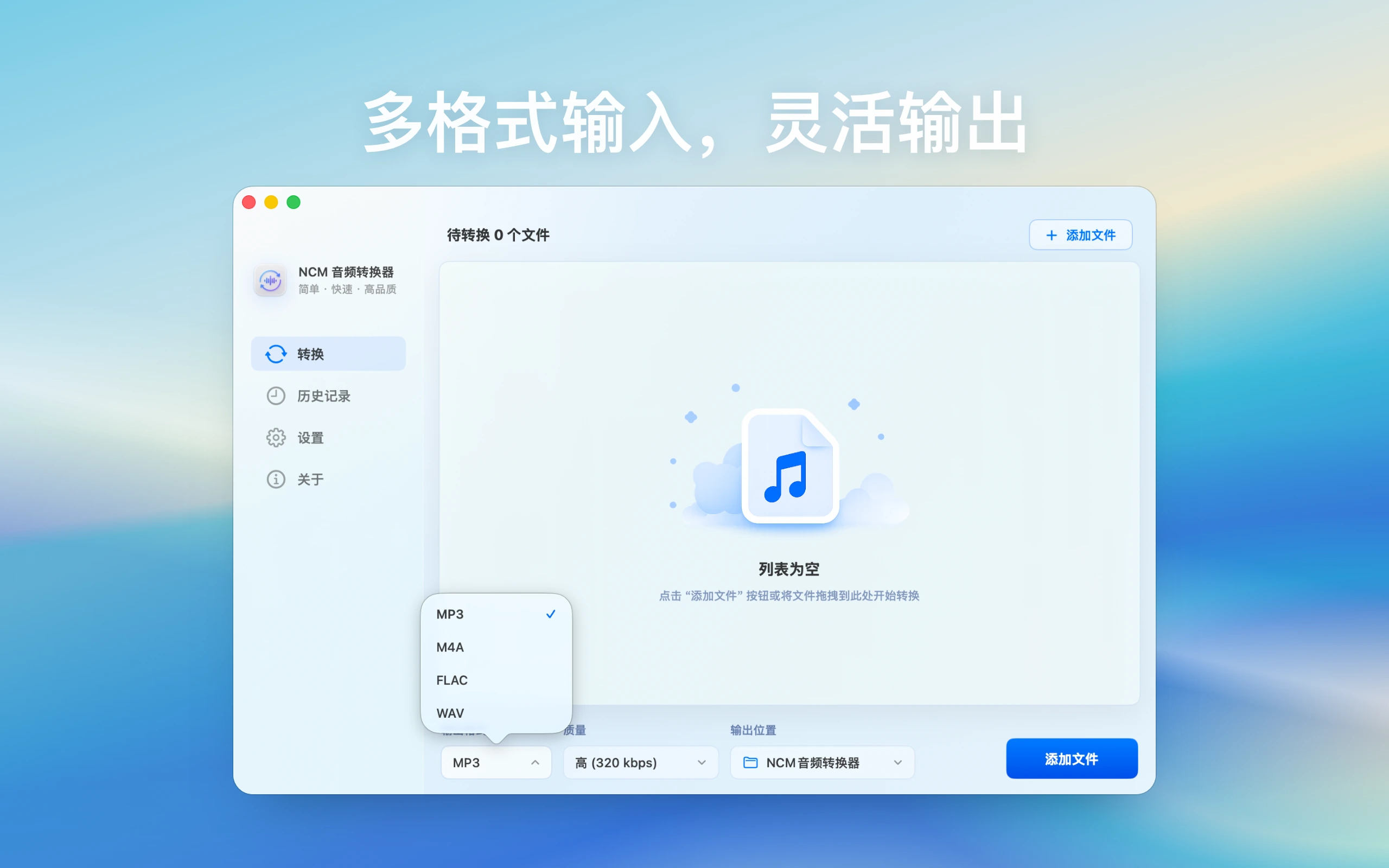
Add local NetEase Cloud Music NCM files on Mac, choose an output folder and target format, then batch convert to MP3, FLAC, M4A, or WAV. Files stay on your Mac and are not uploaded
Page updated: 2026-08-12
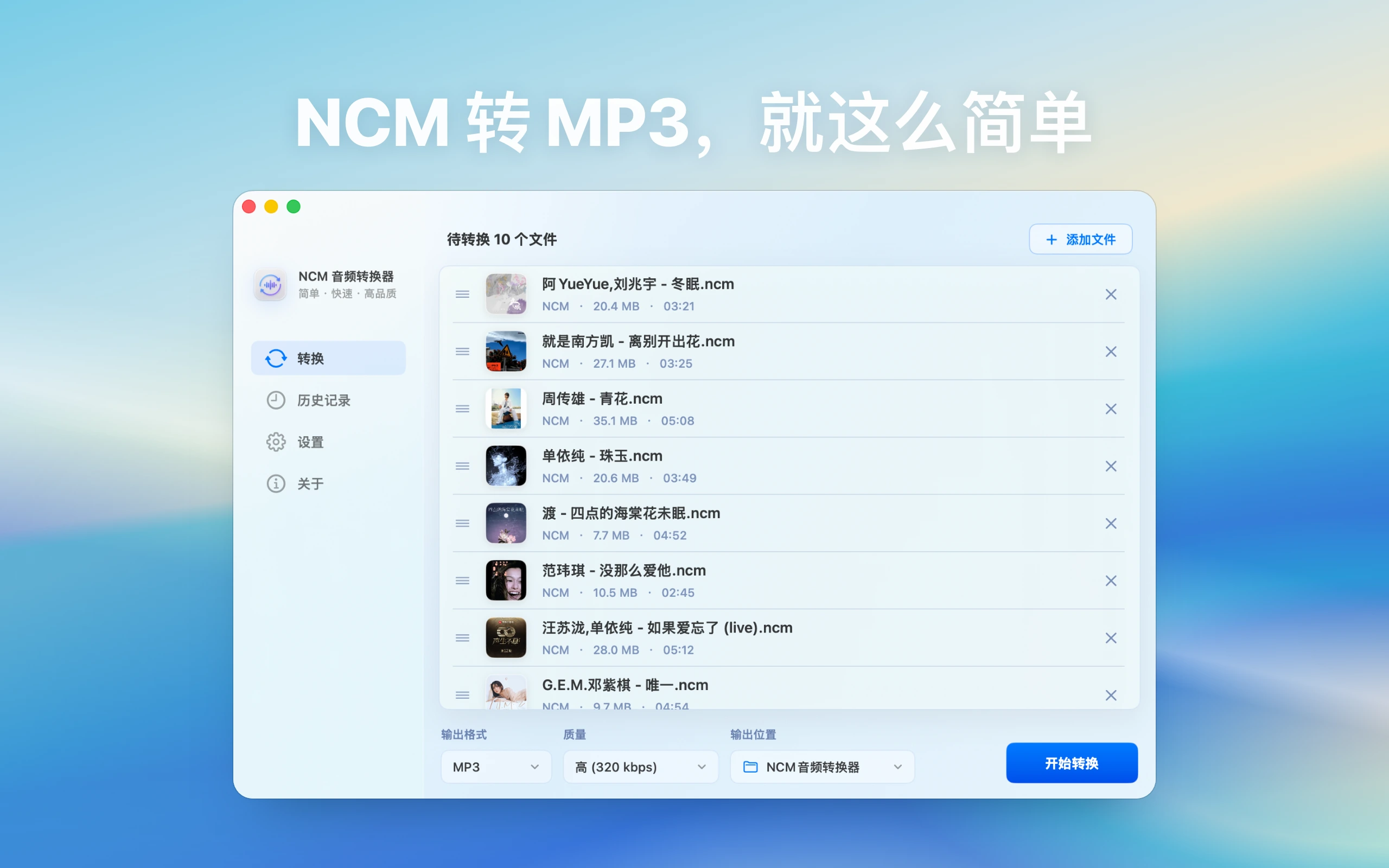
Designed for everyday Mac workflows with clear local boundaries and a clear download path
Designed for everyday Mac workflows with clear local boundaries and a clear download path
Designed for everyday Mac workflows with clear local boundaries and a clear download path
Designed for everyday Mac workflows with clear local boundaries and a clear download path
Entity facts
These facts make the product easier to evaluate and easier for search and AI systems to cite accurately.
Check public facts, fit conditions, and repeatable verification steps before installing.
Before processing local NCM files, check file source, usage rights, output purpose, sharing boundaries, and platform terms.
View verification checklistLocal NetEase Cloud Music NCM to MP3 conversion for Mac
This site explains product features, use cases, privacy posture, and download links only. It does not provide upload services, user publishing, content trading, or claims outside the app scope
Guides cover common questions, format choices, privacy boundaries, and local Mac workflows
For NetEase NCM files, this guide covers NCM to MP3, NCM to MP3 Mac, NetEase Music to MP3, output format choices, batch setup, and common failures.
For NetEase NCM files, this guide covers NCM to FLAC, NCM to M4A, NCM to WAV, output format choices, batch setup, and common failures.
For NetEase NCM files, this guide covers NCM to MP3 usage, local music conversion, output format choices, batch setup, and common failures.
For NetEase NCM files, this guide covers NCM to FLAC quality, does FLAC improve quality, output format choices, batch setup, and common failures.
For NetEase NCM files, this guide covers NCM to Apple Music, import converted music Mac, output format choices, batch setup, and common failures.
For NetEase NCM files, this guide covers NCM artwork missing, converted music album art, output format choices, batch setup, and common failures.
For NetEase NCM files, this guide covers NCM to M4A or MP3, Apple audio format, output format choices, batch setup, and common failures.
For NetEase NCM files, this guide covers slow NCM external drive, NCM batch speed Mac, output format choices, batch setup, and common failures.
For NetEase NCM files, this guide covers NCM duplicate files, batch audio deduplication, output format choices, batch setup, and common failures.
No. NCM Audio Converter focuses on NetEase Cloud Music NCM files. For Kugou KGM/KGMA topics, use the All-in-One Audio Toolbox guides.
No. The workflow is local, and converted files are saved to the folder you choose.
Common outputs include MP3, FLAC, M4A, and WAV.
It targets NetEase Cloud Music to MP3, NCM format to MP3, and local NCM conversion workflows on Mac.
Use MP3 for broad playback and cars, FLAC for quality retention, M4A for Apple devices, and WAV for later editing. Start with a small set of local files you have the right to process.
Confirm the file source, personal-use scope, sharing boundary, and applicable platform terms. This site does not present conversion as a way to bypass protection or redistribute content.