Multi-format audio conversion
Designed for everyday Mac workflows with clear local boundaries and a clear download path
 Huag Mac Apps
View apps
中文
Huag Mac Apps
View apps
中文

Handle format conversion, video-to-audio extraction, trimming, merging, compression, and audio tag editing in one local Mac app
Page updated: 2026-08-12
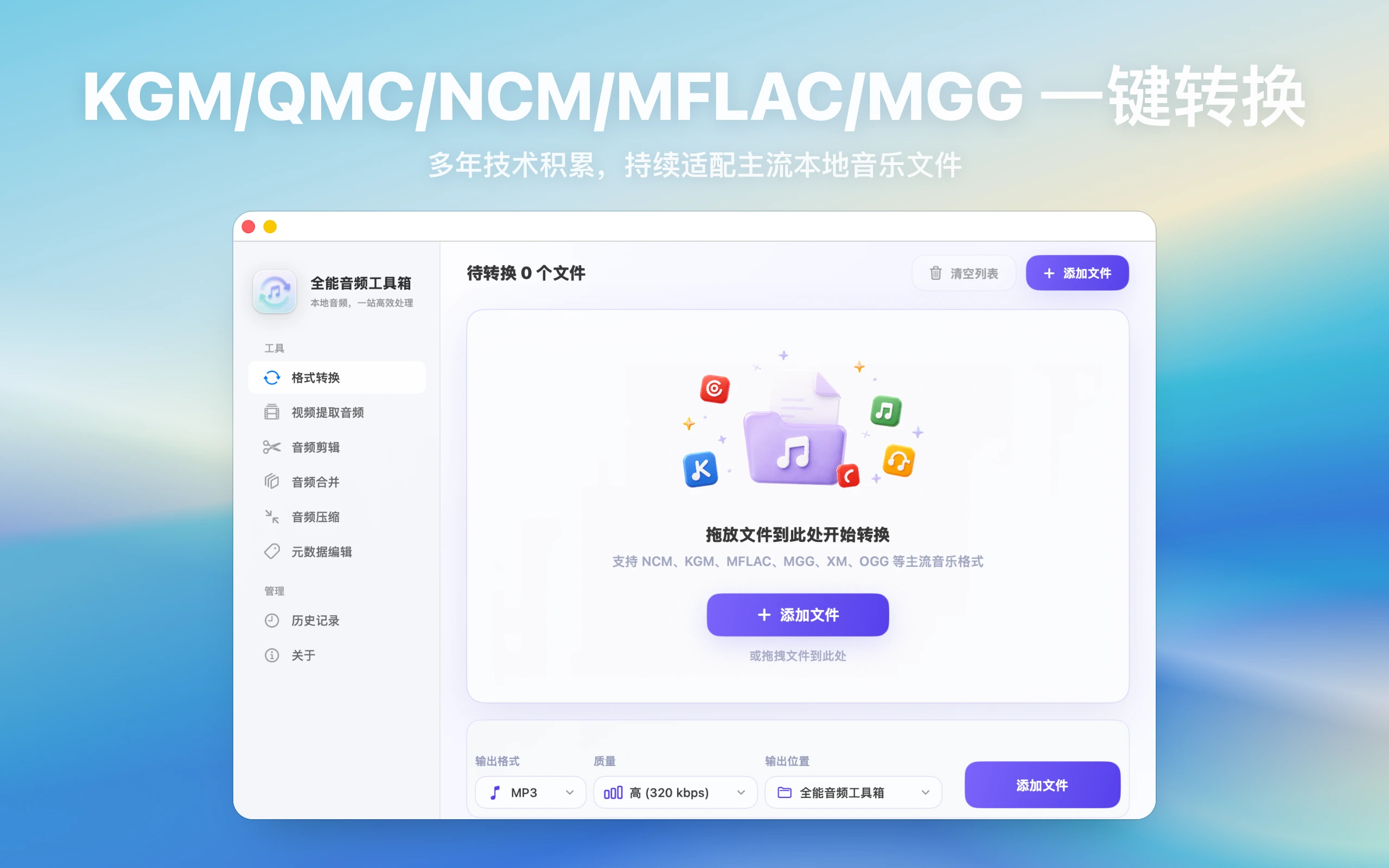
Designed for everyday Mac workflows with clear local boundaries and a clear download path
Designed for everyday Mac workflows with clear local boundaries and a clear download path
Designed for everyday Mac workflows with clear local boundaries and a clear download path
Designed for everyday Mac workflows with clear local boundaries and a clear download path
Entity facts
These facts make the product easier to evaluate and easier for search and AI systems to cite accurately.
Check public facts, fit conditions, and repeatable verification steps before installing.
Compare the public positioning of All-in-One Audio Toolbox, MediaHuman Audio Converter, and fre:ac by conversion, extraction, editing, tagging, and platform needs.
View transparent comparisonChoose MP3, M4A, FLAC, or WAV by broad playback, Apple-device workflows, lossless archiving, or continued editing, then verify with representative samples.
View verification checklistAudio conversion, extraction, trimming, merging, compression, and tag editing
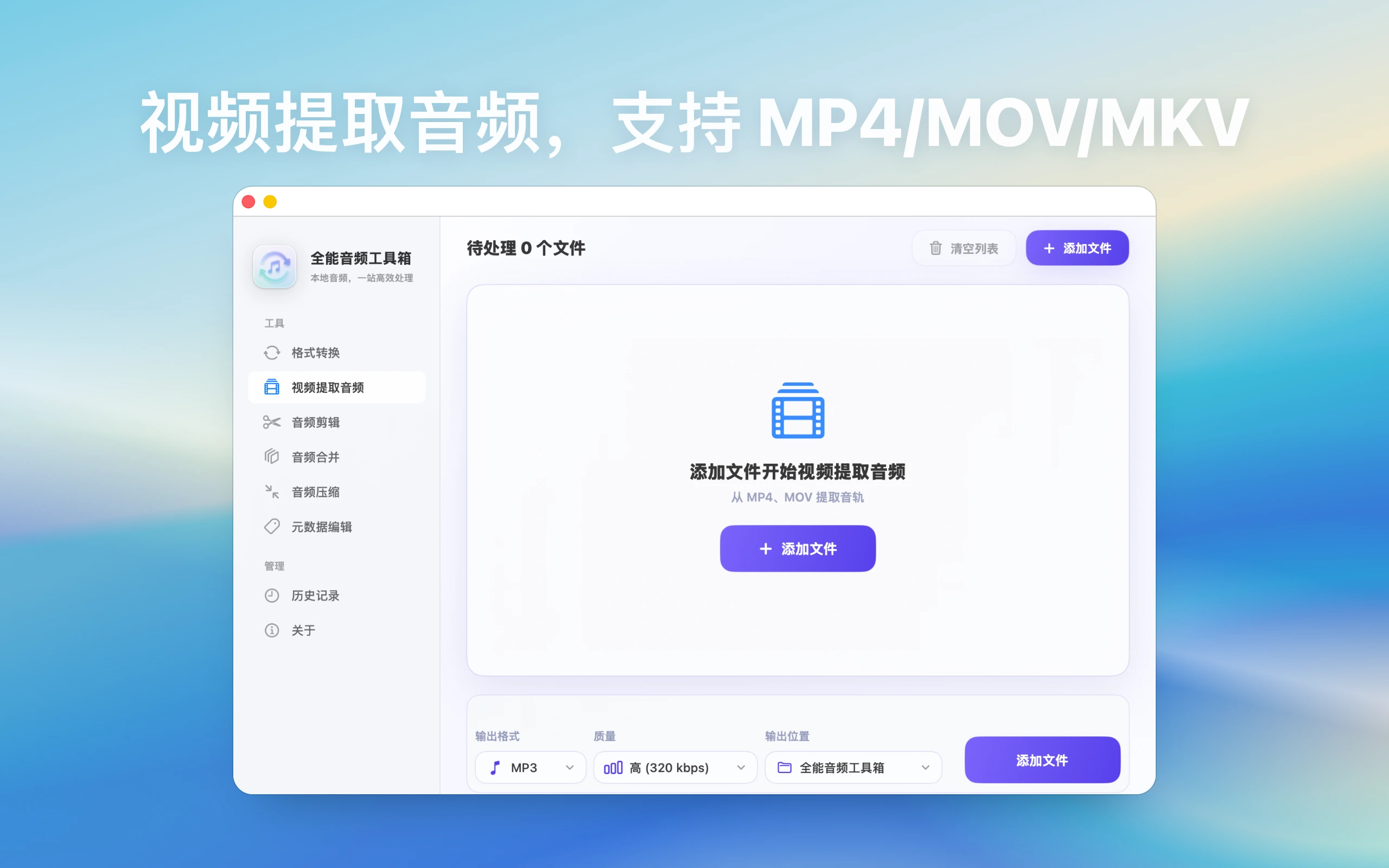
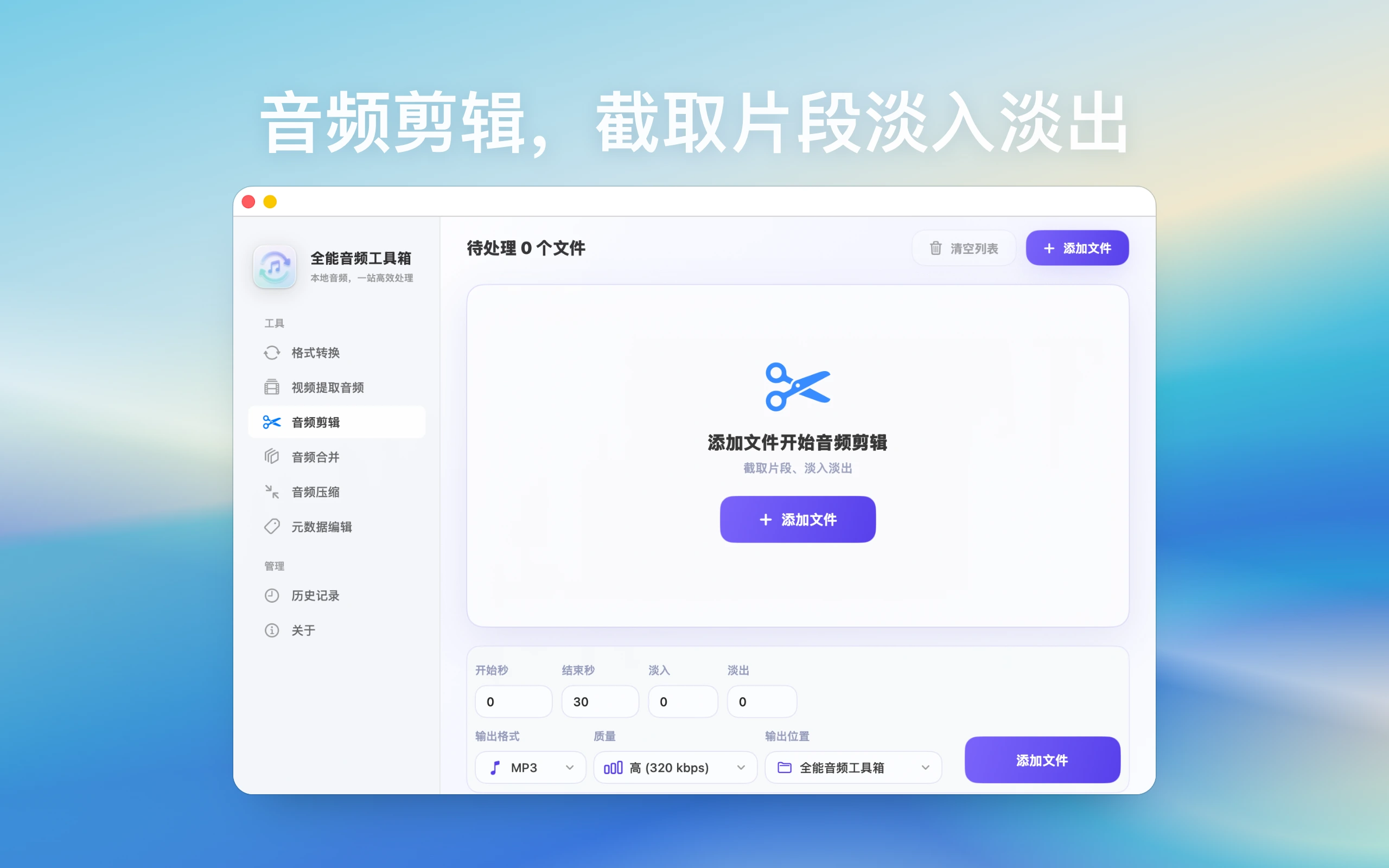

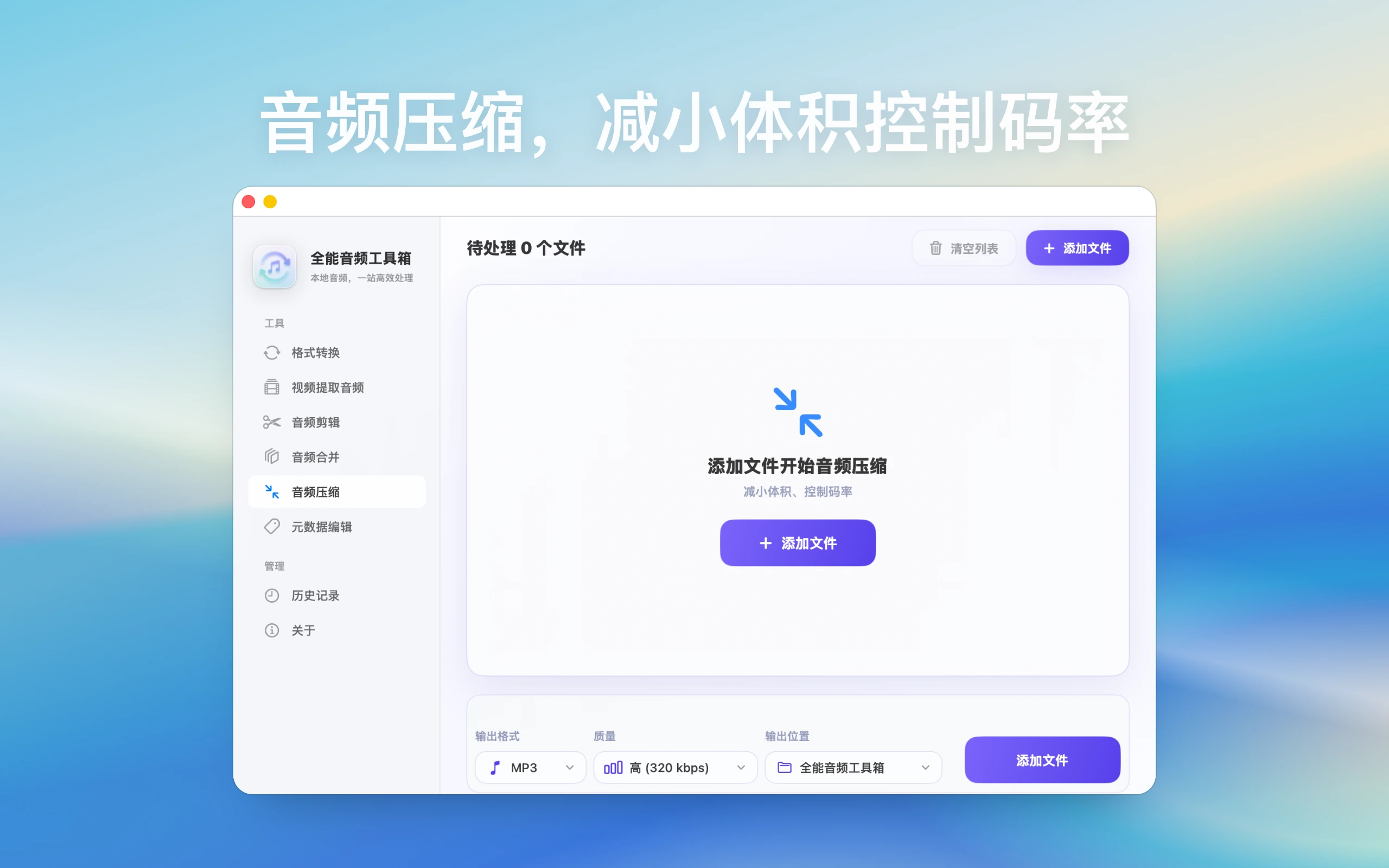
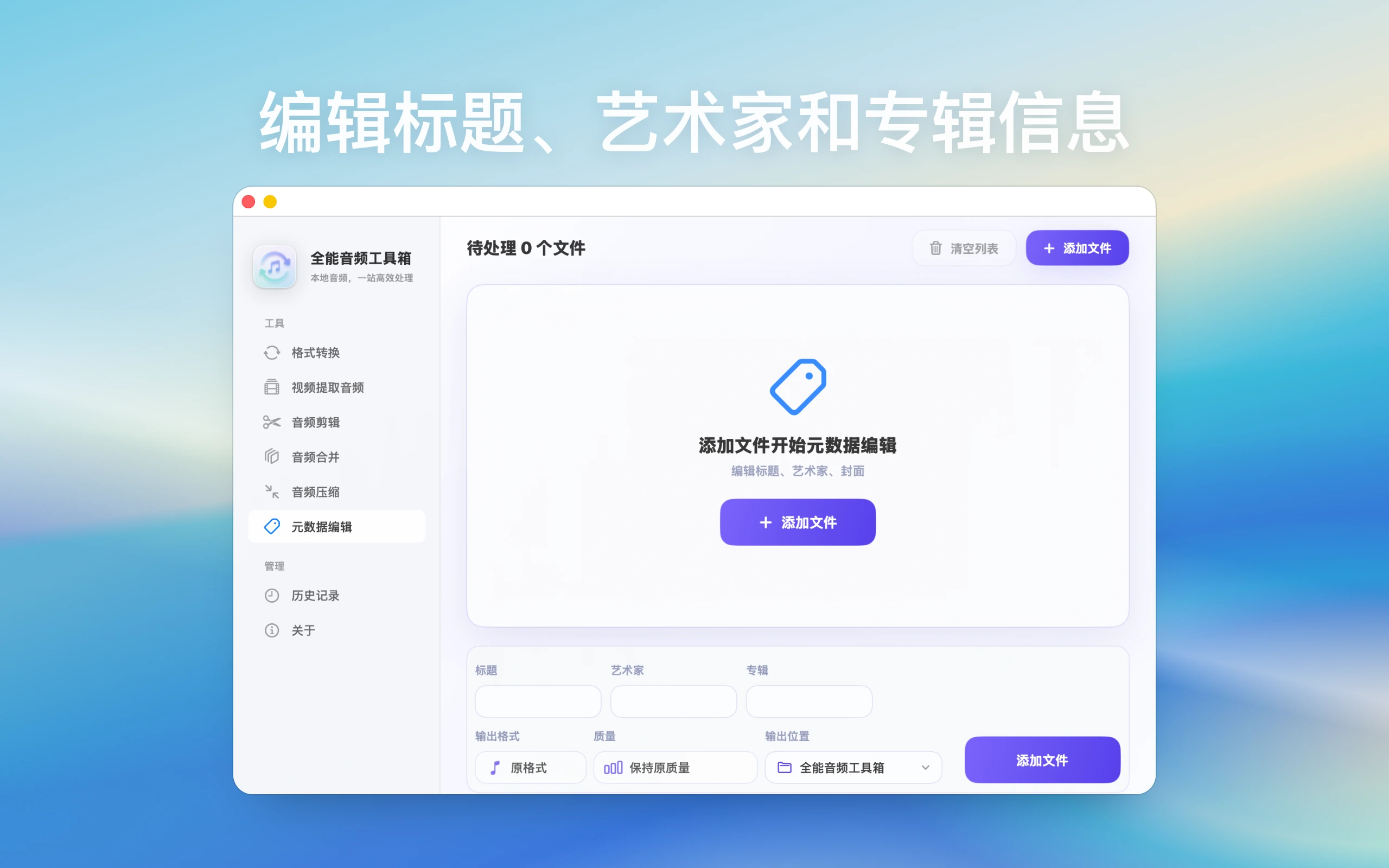
This site explains product features, use cases, privacy posture, and download links only. It does not provide upload services, user publishing, content trading, or claims outside the app scope
Guides cover common questions, format choices, privacy boundaries, and local Mac workflows
If MP3, FLAC, M4A, and WAV feel interchangeable, this guide ties All-in-One Audio Toolbox, Mac audio toolbox to real playback and editing needs.
If MP3, FLAC, M4A, and WAV feel interchangeable, this guide ties audio conversion, MP3 M4A FLAC WAV to real playback and editing needs.
For Jianying, Final Cut, or Premiere Pro, this guide explains whether extract audio from video, video to audio should use WAV, M4A, or MP3.
Kugou KGM or KGMA conversion can fail or produce silence; this guide gives a practical Kugou KGM to MP3, KGM converter Mac checking order.
QMC, MFLAC, and MGG are easy to mix up; this guide helps decide whether MFLAC to FLAC, MFLAC to MP3 should become MP3 or FLAC.
If MP3, FLAC, M4A, and WAV feel interchangeable, this guide ties FLAC to MP3 Mac, lossless music to MP3 to real playback and editing needs.
QMC, MFLAC, and MGG are easy to mix up; this guide helps decide whether MFLAC conversion failed, MFLAC not recognized should become MP3 or FLAC.
Kugou KGM or KGMA conversion can fail or produce silence; this guide gives a practical KGM to car MP3, car USB MP3 bitrate checking order.
For Jianying, Final Cut, or Premiere Pro, this guide explains whether Keynote audio format, PowerPoint audio Mac should use WAV, M4A, or MP3.
When car USB playback fails, this guide uses car MP3 tags missing, car music artwork to check format, bitrate, filenames, folders, and drive limits.
If MP3, FLAC, M4A, and WAV feel interchangeable, this guide ties batch audio output folder, organize converted audio to real playback and editing needs.
If MP3, FLAC, M4A, and WAV feel interchangeable, this guide ties audio file larger after conversion, audio bitrate file size to real playback and editing needs.
If MP3, FLAC, M4A, and WAV feel interchangeable, this guide ties FLAC to MP3 gapless, MP3 gapless playback to real playback and editing needs.
No. The App Store listing describes local processing and says audio files are not uploaded.
All-in-One Audio Toolbox covers conversion, extraction, trimming, merging, compression, and tag editing, while NCM Audio Converter focuses on local audio and video-to-audio conversion.
Common outputs include MP3, M4A, FLAC, and WAV, with support for multiple local music and audio formats.
Choose by task: MP3 for broad playback, FLAC for quality retention, M4A for Apple workflows, and WAV for later editing. Test a few representative files before starting a large batch.
A local converter does not require uploading the audio first, which better fits private recordings, client assets, and large batches. Online tools still require you to evaluate file sensitivity, size limits, and service terms.