
How to choose output formats for audio conversion
If you are not an audio engineer and just want the file to work on the target device, this guide makes audio conversion, MP3 M4A FLAC WAV a practical format decision.
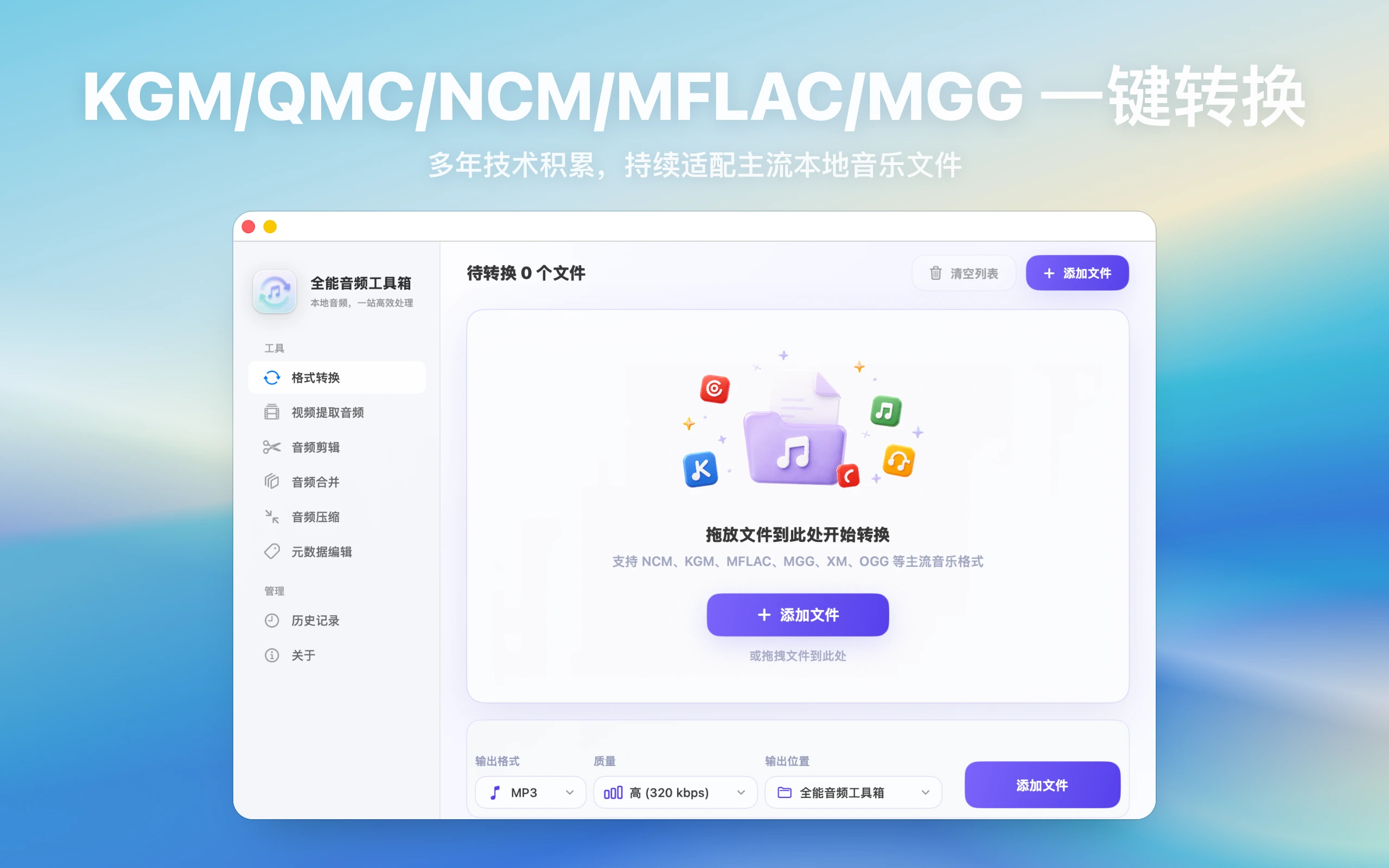
How to choose output formats for audio conversion: direct answer
MP3 fits sharing, FLAC preserves quality, M4A works well in Apple workflows, and WAV is useful for editing.
Decision: Choose by final use: MP3 usually fits sharing and cars, M4A fits Apple-device workflows, FLAC fits lossless archives, and WAV usually fits continued editing.
Steps for How to choose output formats for audio conversion
- Confirm which codecs and extensions the target device or app explicitly supports instead of guessing from the suffix.
- Keep the original and export two candidate formats from the same source with consistent filenames.
- Compare playback, size, and later editing needs on the real headphones, car unit, phone, or editor.
How to verify the result
- The target device plays the full file and displays filenames, tags, artwork, and duration correctly.
- File size matches the use case and delivery copies do not overwrite archival originals.
Limitations and stop conditions
Converting a low-quality or lossy source to FLAC or WAV does not restore audio detail that is already gone.
A real-world example
For example, the same audio can be MP3 for sharing, FLAC for archiving, WAV for editing, or M4A for Apple-device handoff. Decide the use first and the format choice becomes clearer.
By the end, you should connect format choice to target device, later editing, and file size.
Start by identifying the file workflow
Before handling “audio conversion, MP3 M4A FLAC WAV”, check which app the file came from, what extension it uses, whether it is already saved locally, and where you want to play it afterward. That determines the output format, naming strategy, and troubleshooting path.
Choose format by purpose
MP3 is for general playback and sharing, FLAC for quality archives, M4A for Apple devices and smaller files, and WAV for editing, transcription, and post-production. The target device and next workflow should drive the choice.
Sample before batch export
Run a small sample before converting a whole folder. Check duration, volume, filenames, tags, and playback compatibility, then scale to the full batch.
Quality checks
After conversion, spot-check files from different sources, lengths, and formats. Confirm the result opens, duration is correct, names display normally, and the target device recognizes it.
Troubleshooting
- Read failure: check source integrity and access to input and output folders.
- Unexpected output: test the same file in the destination player and check duration, channels, and tags.
- Batch failure: retry one sample, retain originals, and record formats and app version.