
Why privacy matters in clipboard managers
If you copied text, a link, a code snippet, or an image and then lost it after copying something else, this guide explains clipboard privacy, local storage through a real Mac clipboard workflow.
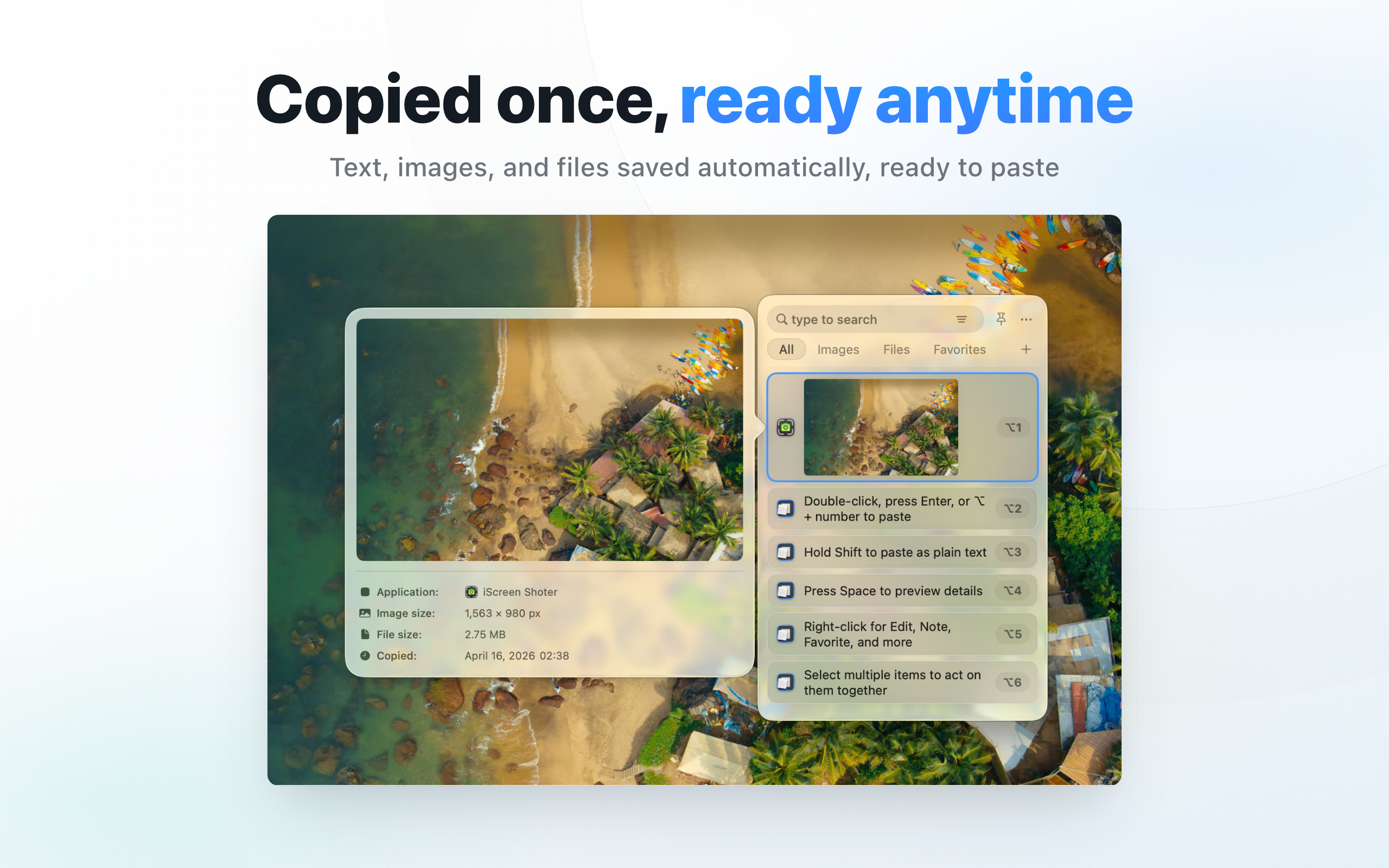
Why privacy matters in clipboard managers: direct answer
Clipboard content can include snippets, links, images, and temporary notes; local storage fits daily work.
Decision: Clipboard privacy requires more than a local-storage claim; review saved types, ignore controls, deletion, retention, and what happens to data after uninstalling.
Steps for Why privacy matters in clipboard managers
- Build a test set using fictional text, test links, non-sensitive images, and temporary files only.
- Confirm each recorded type and review whether the current version can ignore apps, content types, or sensitive items.
- Test single-item deletion, bulk cleanup, and uninstall guidance, recording the local data location and removal path.
How to verify the result
- After deletion, the test item cannot be found through search, favorites, or recent lists.
- The privacy page, product page, and App Store describe storage scope and data boundaries consistently.
Limitations and stop conditions
Never test with real passwords or client data; clipboard protection behavior can differ by app and macOS version.
A real-world example
For example, while writing a document you may copy a client name, then a browser link, then an email paragraph. On macOS Tahoe 26, check Spotlight Clipboard history first; earlier items may not have been recorded if history was disabled. CopyHistory helps organize captured items with search, favorites, notes, and lists.
By the end, you should know which clipboard items are worth keeping, which should be cleaned, and how to avoid retaining sensitive entries.
Start with the clipboard problem
For “clipboard privacy, local storage”, the goal is not format conversion. The practical value is recovering overwritten content, finding reusable snippets, searching copied links or images, and controlling what the clipboard history stores.
Daily workflow
Keep frequent text, links, code snippets, and image items easy to scan. Pin or favorite reusable items, and clean up old entries so search results stay useful.
Privacy and permissions
Clipboard data can include codes, links, client notes, or temporary snippets. Review storage behavior, ignore rules, and local data boundaries before relying on the tool.
Troubleshooting
- Missing item: confirm capture was running and clear type or list filters. Never-recorded content cannot be recovered.
- Search miss: try a distinctive phrase and check whether the item was deleted or filtered.
- Sensitive items: remove unnecessary records and review current retention and exclusion settings.