
What folder Quick Look preview solves on Mac
If you only want to see what is inside a folder, whether an archive is worth extracting, or whether a Markdown or ebook file is the right one, this guide puts folder preview Mac, Quick Look extension into a real Finder workflow.
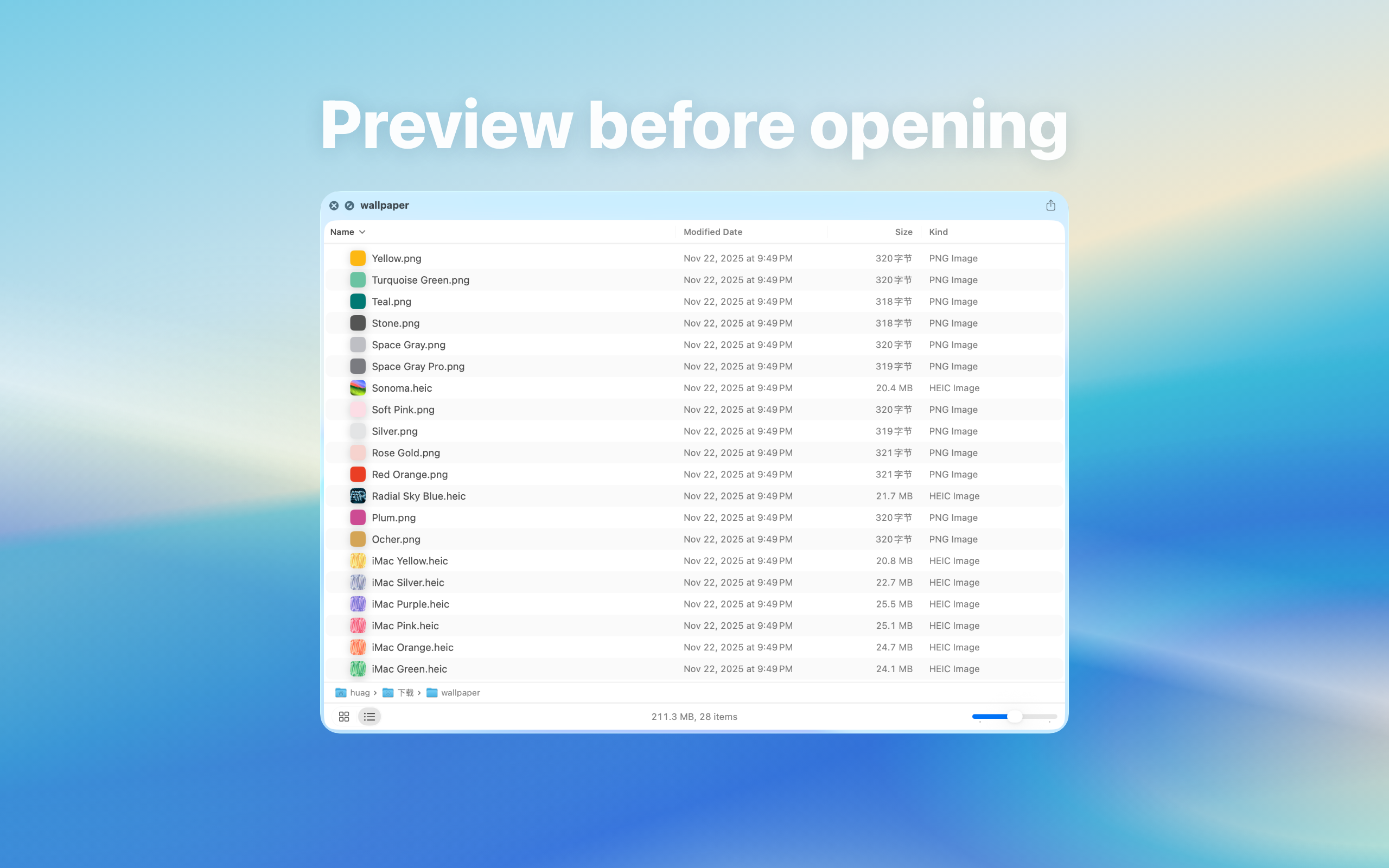
What folder Quick Look preview solves on Mac: direct answer
Preview folder contents before opening them, useful for Downloads, assets, and project files.
Decision: Folder Quick Look fits checking directory structure before opening another Finder window, especially for Downloads, project assets, and archives.
Steps for What folder Quick Look preview solves on Mac
- Prepare a small folder, a nested project directory, and a test folder containing hidden items.
- Confirm the Quick Look extension is enabled in System Settings, then select each folder and press Space.
- Decide whether the preview provides enough information to open, move, keep, or delete the folder.
How to verify the result
- Item count, depth, names, and sorting support the decision and the preview does not falsely appear empty.
- Finder remains responsive after closing the preview and folder contents are unchanged.
Limitations and stop conditions
Very large directories, restricted locations, network volumes, or incomplete folders may preview slowly or incompletely.
A real-world example
For example, several similarly named archives in Downloads can waste time and disk space if each one is extracted. With Quick Preview, previewing the structure first helps you decide which archive to open, move, or delete.
By the end, you should know when pressing Space is enough and when a dedicated app is still needed.
Identify the preview target first
For “folder preview Mac, Quick Look extension”, start by checking whether the target is a folder, archive, Markdown file, ebook, or project directory. Each type has a different preview goal.
When previewing is faster than opening
Downloads, project assets, archives, and document collections often only need a quick structural check. Quick Look preview reduces unnecessary app switching, extraction, and accidental opens.
Local preview boundary
File structure, document text, and archive listings are local data. A local Quick Look extension lets you inspect them without uploading files to a web service.
Troubleshooting
- No preview: enable the appropriate Quick Look extension, select the file again, and press Space.
- One file fails: check it in its usual reader and compare another file of the same format.
- Unsupported variant: check current compatibility; renaming the extension does not convert the file.