
All-in-One Audio Toolbox
Handle format conversion, video-to-audio extraction, trimming, merging, compression, and audio tag editing in one local Mac app
Multi-format audio conversionExtract audio from videoTrim and merge audio
 Huag Mac Apps
View apps
中文
Huag Mac Apps
View apps
中文
Small local-first utilities for everyday Mac work: process local audio, recover copied content, and preview files faster
Featured app
Handle format conversion, video-to-audio extraction, trimming, merging, compression, and audio tag editing in one local Mac app
Focused tools for local audio, clipboard history, file previews, Dock locking, and multi-account app workflows on Mac
Handle format conversion, video-to-audio extraction, trimming, merging, compression, and audio tag editing in one local Mac app
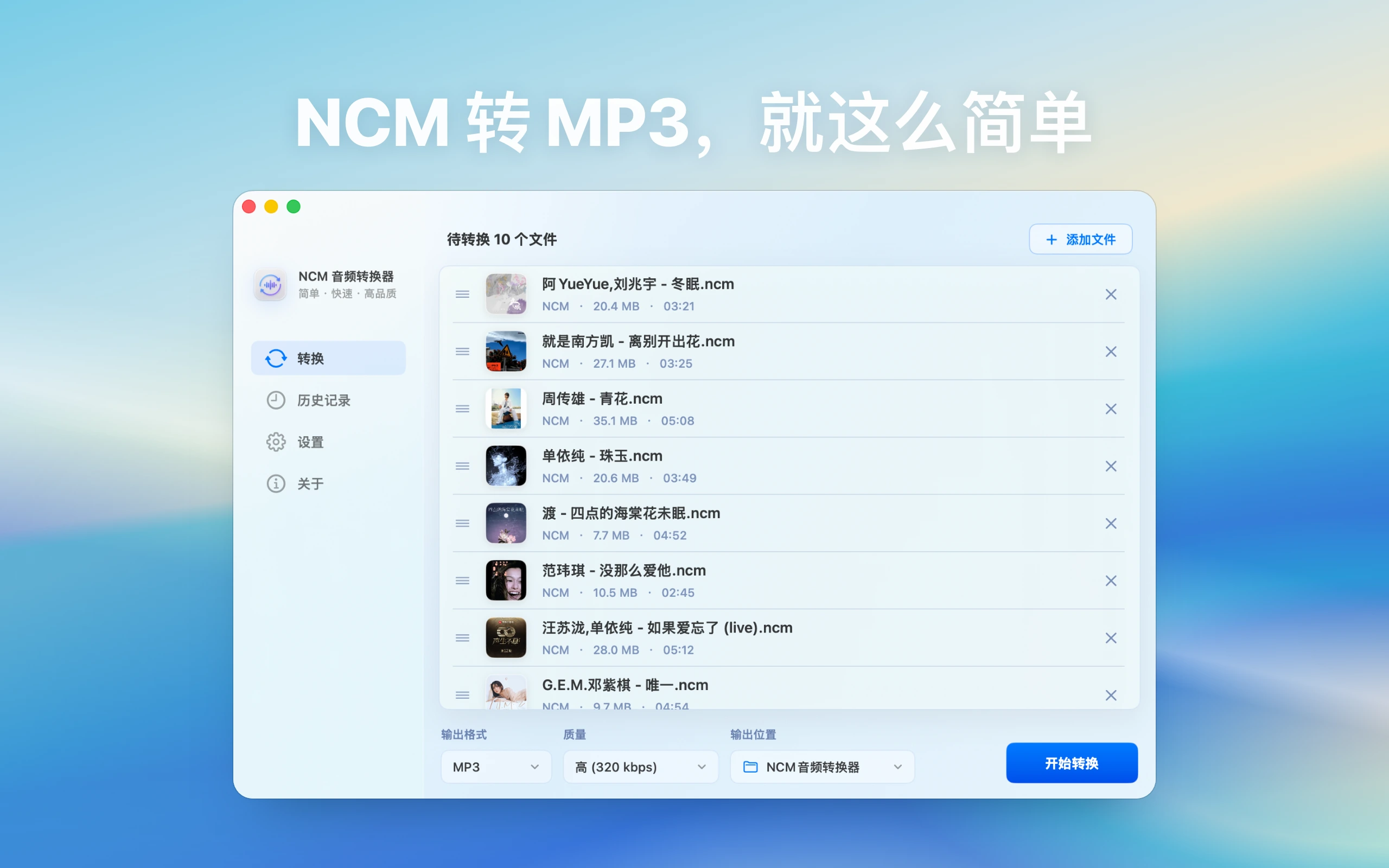
Add local NetEase Cloud Music NCM files on Mac, choose an output folder and target format, then batch convert to MP3, FLAC, M4A, or WAV. Files stay on your Mac and are not uploaded
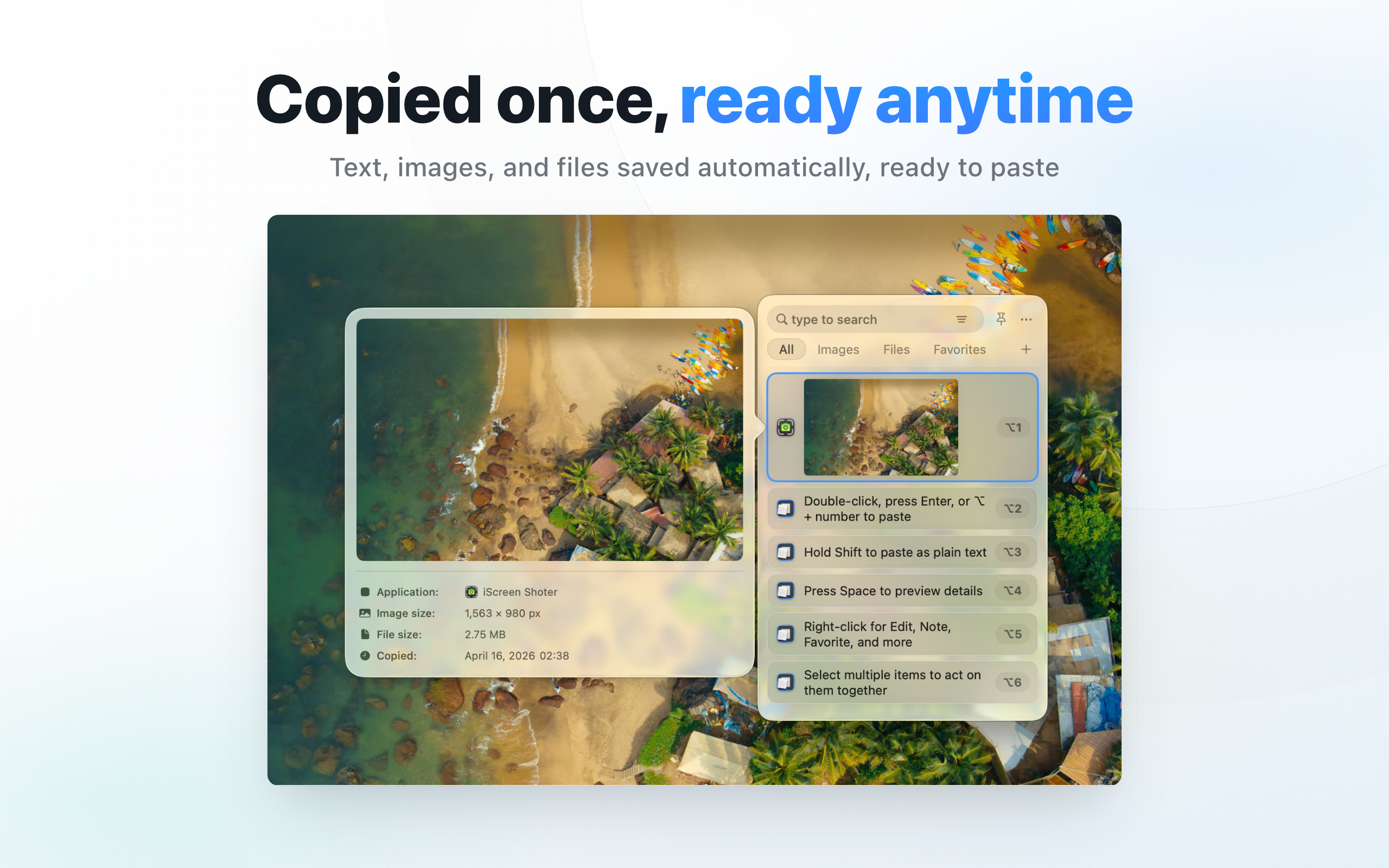
Automatically keeps copied text, links, images, and files searchable with filters, favorites, notes, and keyboard-driven recall
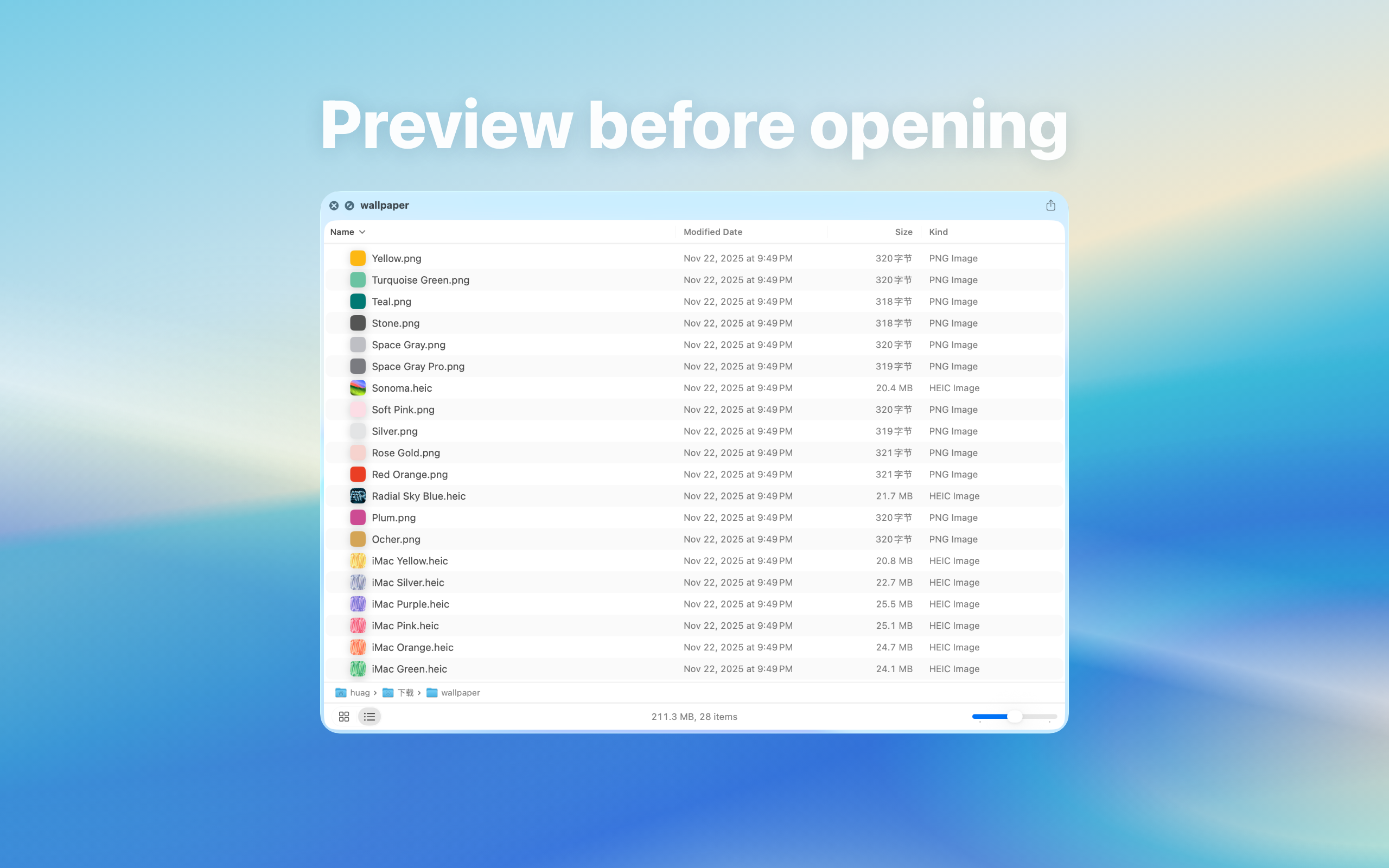
Select folders, archives, Markdown files, or ebooks in Finder and press Space to preview contents before opening or extracting
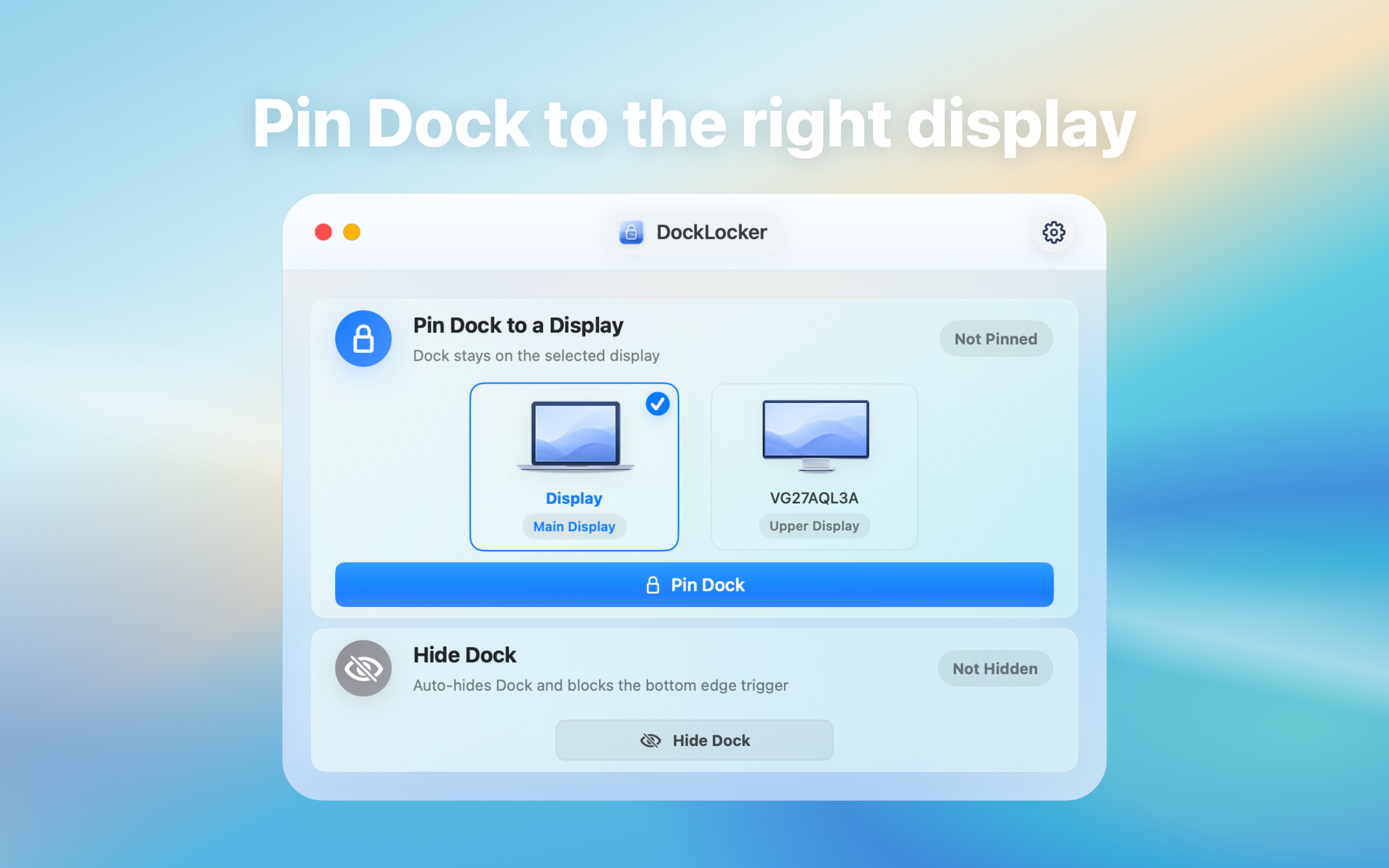

Lock the macOS Dock position in multi-display or full-screen workflows so edge gestures do not move it to another screen. The app works locally with Accessibility permission and does not upload data
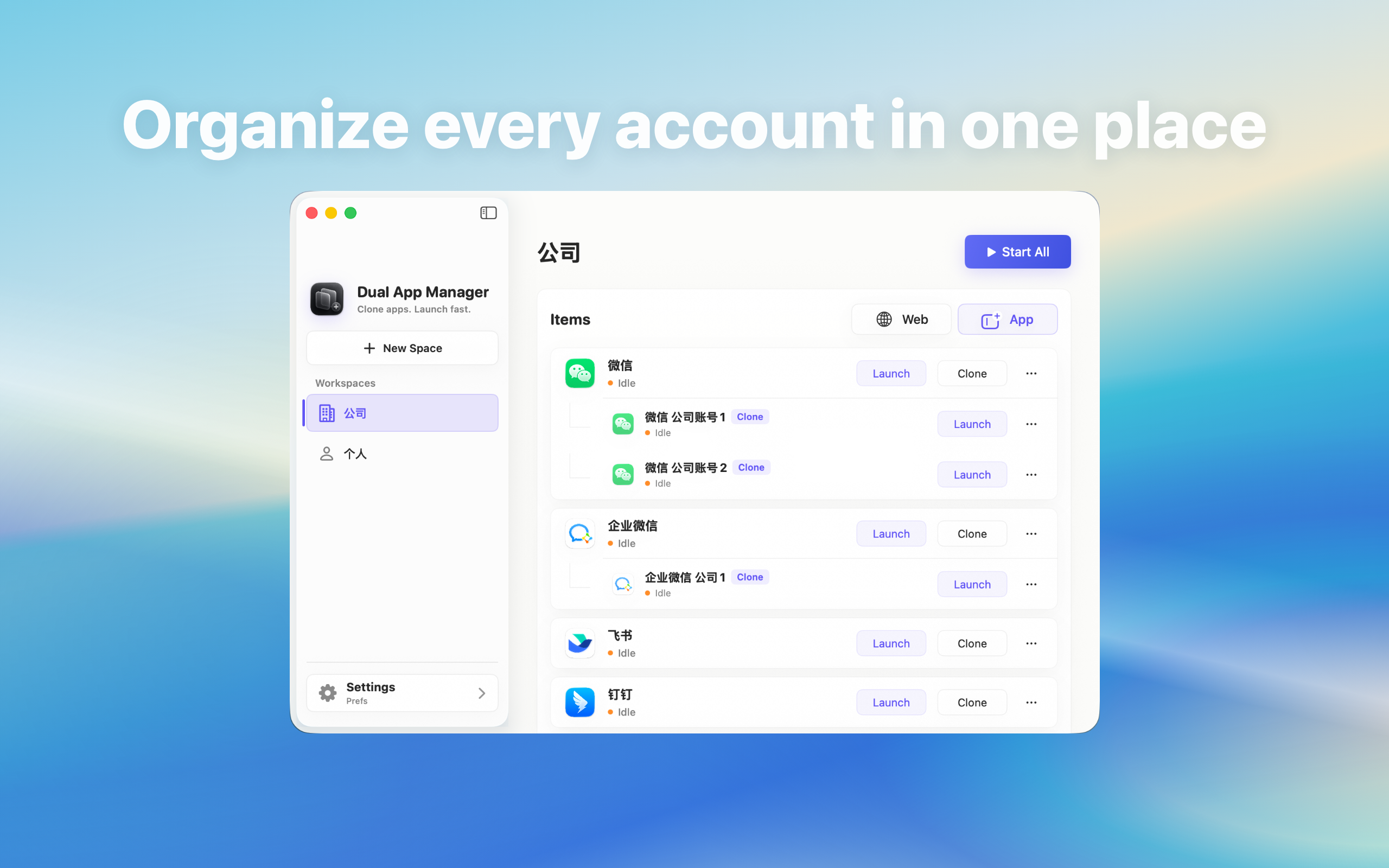
Create separate local instances of installed Mac apps for personal, work, support, or project accounts while keeping sign-in inside the corresponding app
Audio files, clipboard items, and Finder project folders often contain private material, work files, or unpublished content. Huag Mac Apps organizes each product page around local Mac workflows so users can understand features, privacy boundaries, and fit before installing.
The homepage connects product pages, download links, and bilingual guides for people comparing Mac audio tools, NCM conversion, clipboard history managers, Quick Look preview extensions, and Dock locking utilities.
Descriptive links connect product pages and core guides so search visitors can reach the right page faster
For common audio formats, video-to-audio extraction, and tag cleanup, start with the All-in-One Audio Toolbox workflow.
Read the Mac audio toolbox guideFor NCM, MP3, FLAC, M4A, WAV, and video-to-audio tasks, the NCM Audio Converter page is the focused entry point.
View the NCM audio conversion guideIf you copy text, links, images, or files all day, CopyHistory guides explain search, filtering, and privacy boundaries.
Learn about clipboard historyBefore opening downloads, project folders, or ebooks, Quick Preview guides explain Finder and Quick Look preview use cases.
Read the Quick Look preview guideWhen the Dock keeps moving to another display, DockLocker guides explain permissions, installation, and local behavior.
View the Dock lock guideBilingual guides explain practical workflows, privacy boundaries, and what each app is built for before users install it